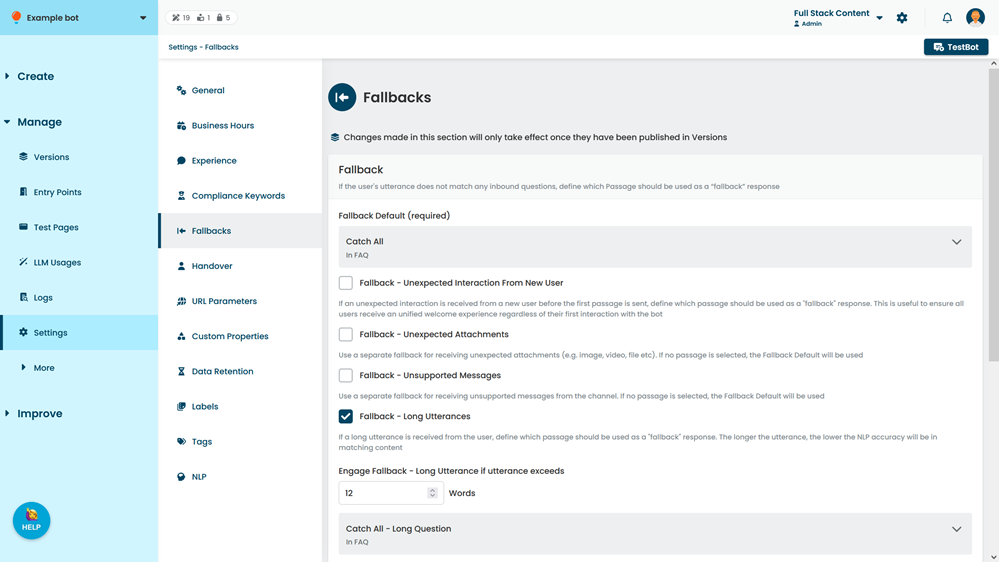
Use the Fallbacks settings to define how your chatbot handles unexpected behaviour such as:
- Fallbacks for questions it can't match and unexpected attachments.
- Intellimem for handling repeated responses.
You need an administrator of publisher role on your team to edit fallback settings.
New chatbots are created with a default fallback configuration and some pre-created passages that use them. You can edit these passages or create your own.
Fallback settings are versioned: when you make changes to your chatbot's Fallback settings, these changes are stored in the chatbot version. Changes here will not be applied until they are published.
To open the fallbacks settings:
- Click Manage in the left navigation, then click Settings.
- Click Fallbacks.