View a data store to see the number of rows stored and the last used index of the data store.
To view a data store:
- Click Manage > More in the left navigation then click Data Stores.
- Click the data store you want to view.
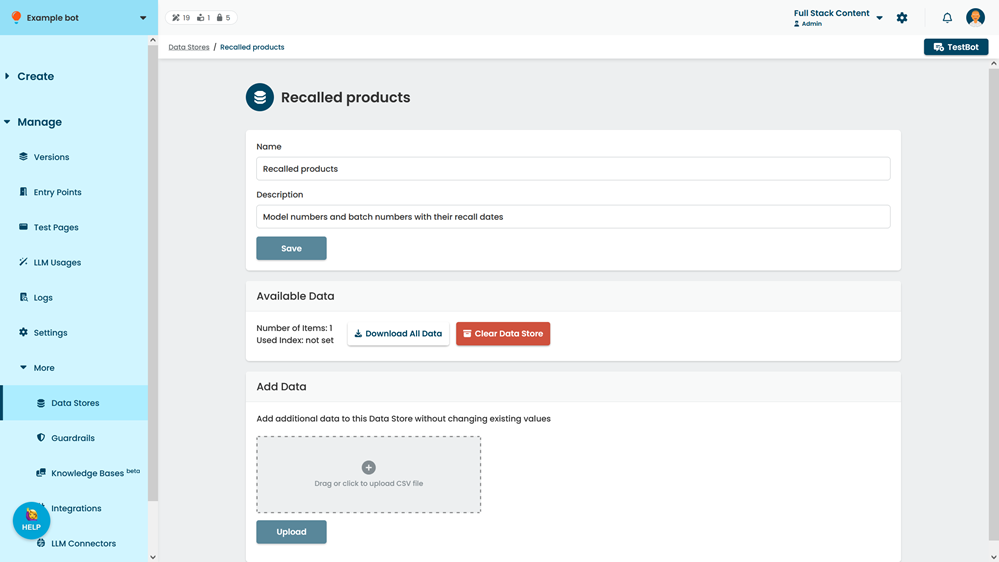
The data store information is displayed under Available Data. If you have not accessed any rows using the last used index function, the used index will be not set.
You can also: