You can download a CSV file of all data in the data store. You can use this to check the CSV format for new uploads or verify what data is currently in the data store.
To download a data store:
- Click Manage > More in the left navigation then click Data Stores.
- Click the data store you want to download.
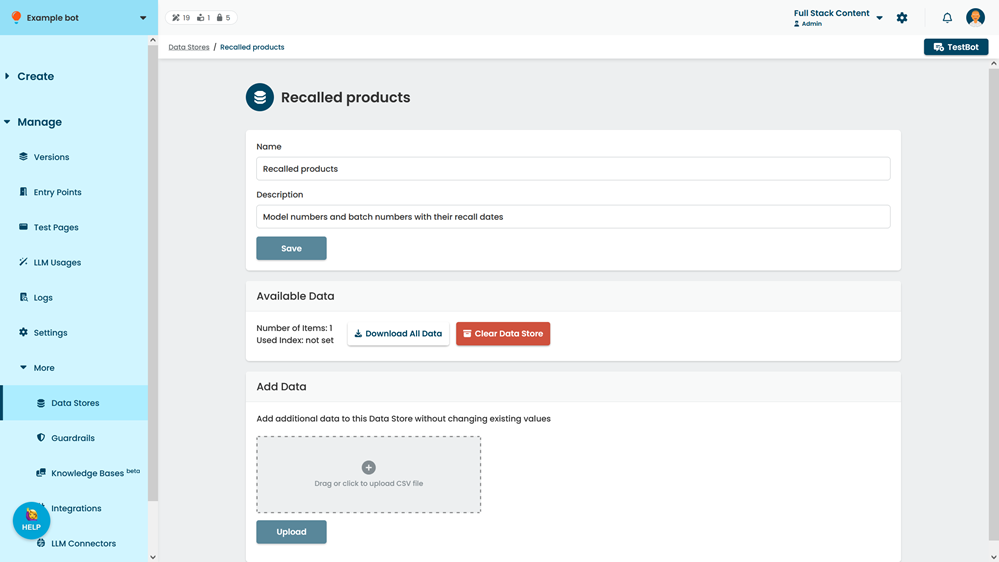
- Click Download All Data.