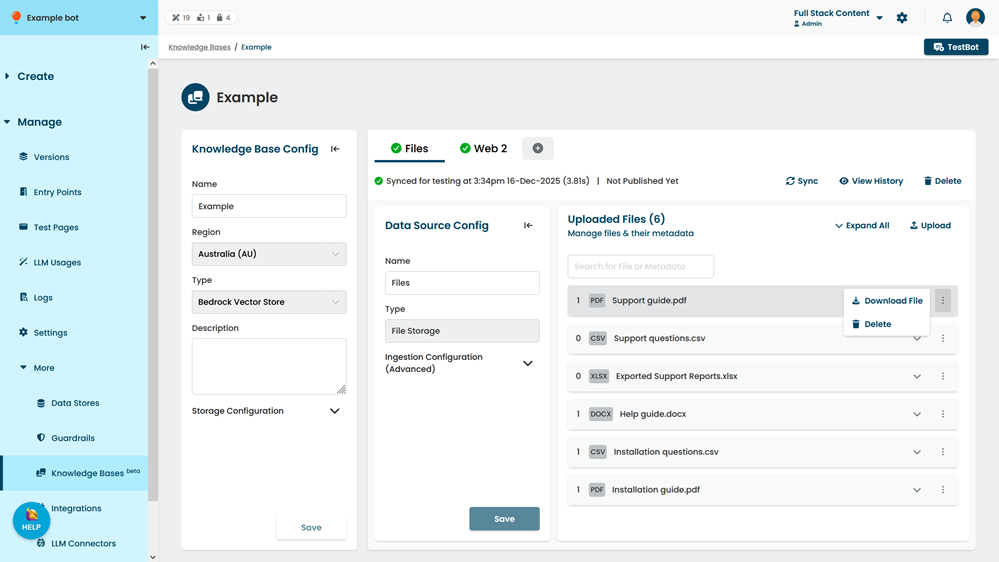
You can delete individual files from a data source.
When you make changes to a data source, including deleting files, sync the data source to test your changes in TestBot before you publish them. Changes to data sources are listed as ready to publish in versions. You must publish the changes before the change will take effect in your chatbot.
Files deleted from data sources can't be recovered; if you want to replace the file, you'll need to upload it to the data source again. Your live chatbot won't be affected until you publish this change. You can download the file to preserve a copy before you delete it.
To delete a file from a data source:
- Click Manage > More in the left navigation, then click Knowledge Bases.
- Click the knowledge base of the data source you want to delete the file from.
- Click the data source you want to delete the file from.
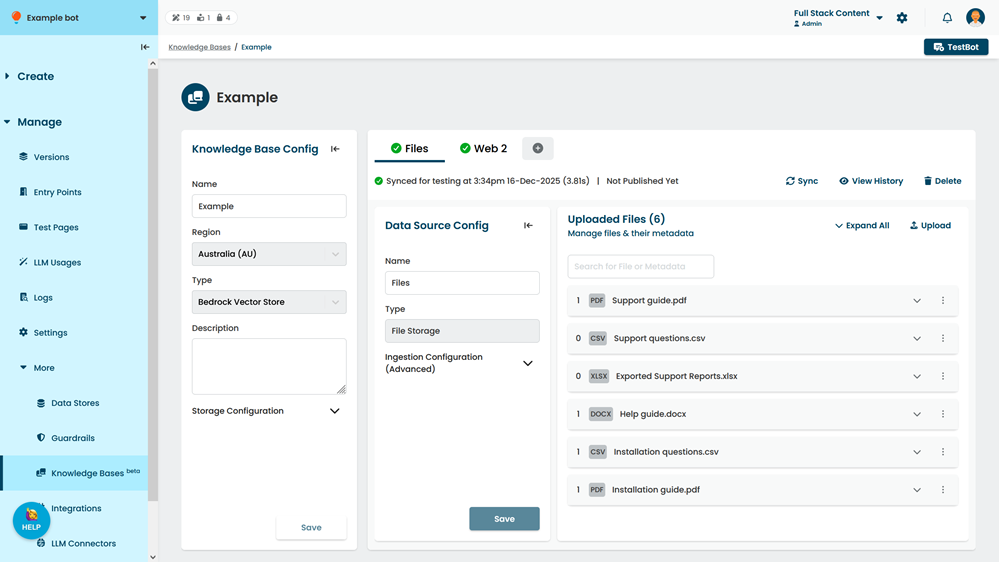
- Optionally, use the search field to find the file.
You can search on the filename, metadata key name, or metadata value. - Click the menu next to the file you want to download, then click Delete.