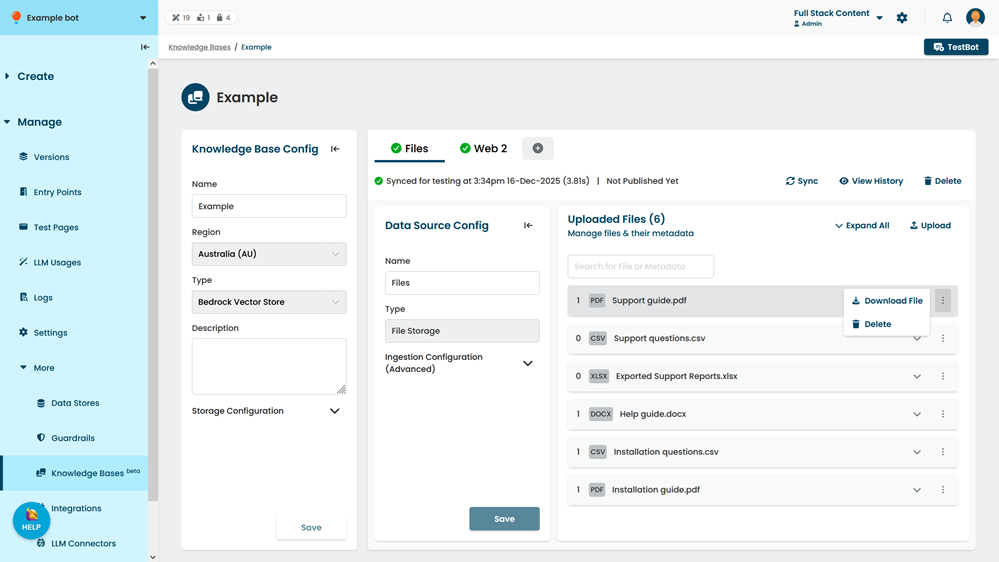
You can download individual files from a file storage data source. File metadata is not included in the download.
To download a file from a data source:
- Click Manage > More in the left navigation, then click Knowledge Bases.
- Click the knowledge base of the data source you want to download the file from.
- Click the data source you want to download the file from.
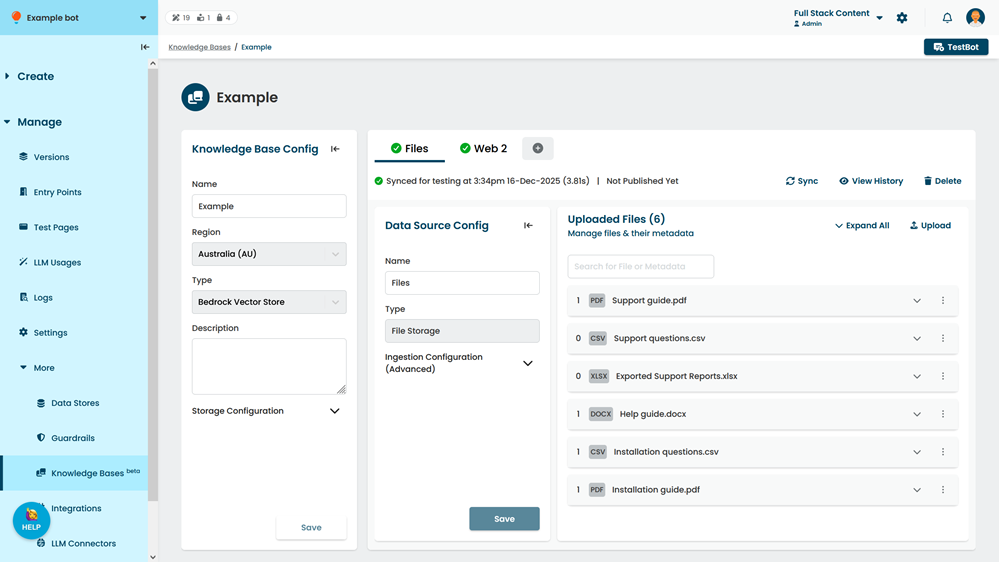
- Optionally, use the search field to find the file.
You can search on the filename, metadata key name, or metadata value. - Click the menu next to the file you want to download, then click Download.