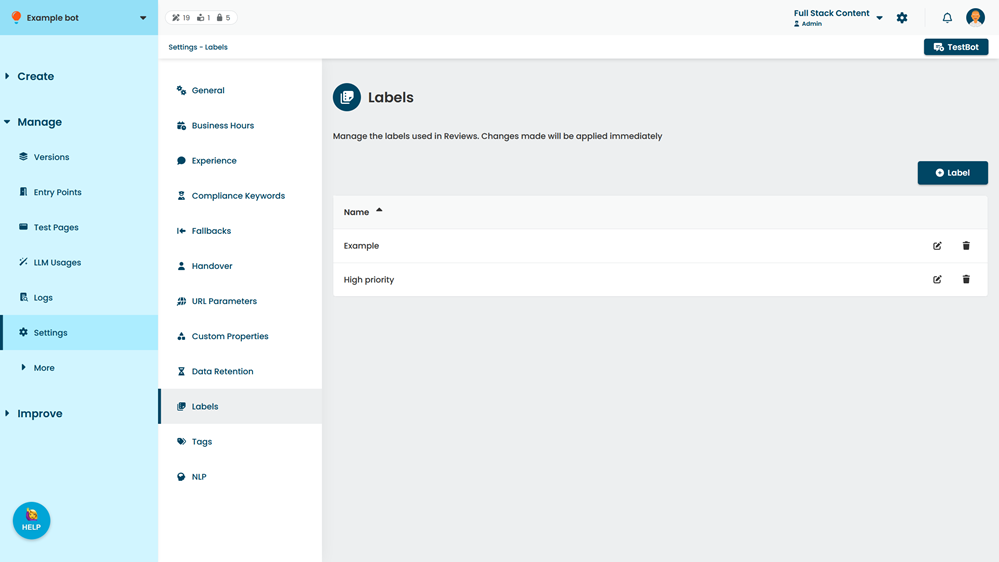
Labels are used to categorise passages and conversations during your Reviews. You can use labels to assign conversations, passages, or interactions to specific team members, prioritise work, or group items by work type or issue. See Apply labels.
Use the Labels settings page to keep your list of labels tidy. You can add, edit or delete labels as you need. Changes you make in Labels settings are available immediately in your Reviews.
Labels can be a maximum of 32 characters long. You can create as many labels as you need.
You need an administrator role on your team to edit chatbot settings.
To open the labels settings:
- Click Manage in the left navigation, then click Settings.
- Click Labels.