Broadcast content consists of passage and logic on a canvas, just like regular chatbot content. In broadcasts, there is only one conversation flow, but your broadcast flow can direct the conversation into the rest of your chatbot conversations.
You must create a one-off, one-time or recurring broadcast before you can add conversation content to it.
Channels often have strict rules about what can be sent in broadcasts. For example, if you're using a Meta Messenger one-time or recurring notification, you can only send one text bubble or one button template message. Chatbot users must interact with that message before they can receive further content from your chatbot. Check the terms and conditions of the channels you've integrated when you're creating your content.
In your inGenious chatbot:
- Click Create > More, then click Broadcasts.
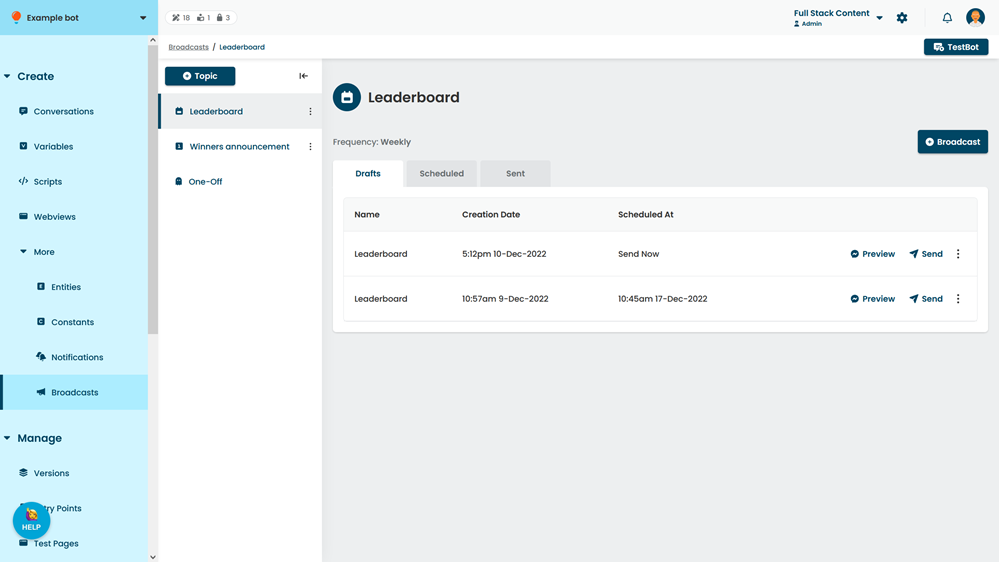
- Click the topic of your broadcast.
- Click the broadcast you want to create content for.
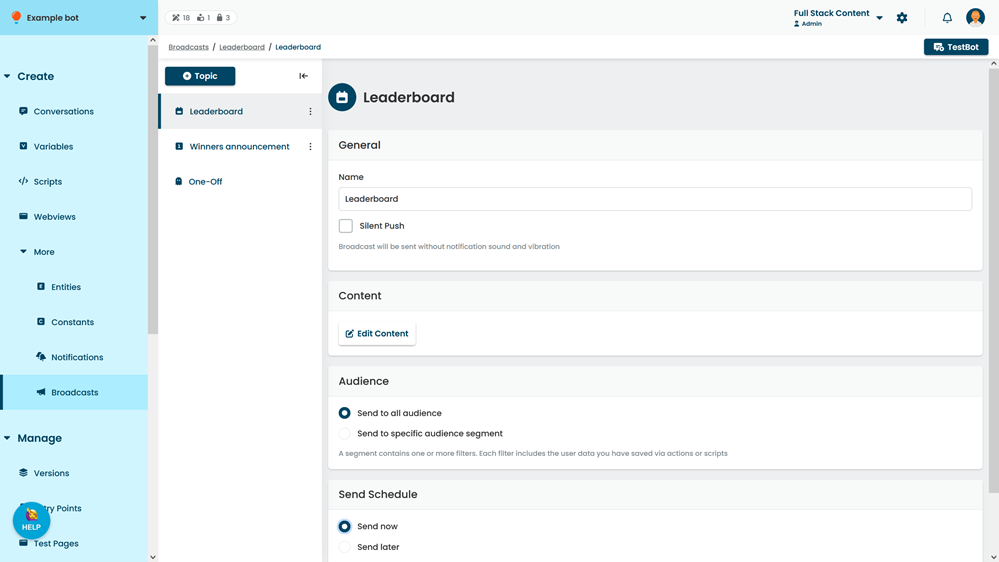
- Click Edit Content.
- Create your broadcast flow in the canvas.
See Conversation canvas, Passages and Logic for more information on creating chatbot content.