Edit conversation or passage annotations to change or remove the information you provide to the LLM model.
Your changes must be published before they can be used. If you want to test your changes before you publish them, you can:
- Run some sessions using TestBot.
- Add your updates to a CSV and run automated tests.
To edit or delete an annotation:
- Click Create in the left navigation, then click Conversations.
- If you are editing a passage annotation, click the conversation that contains the passage.
-
Either:
- Click the annotation icon next to the conversation you want to edit.
- Click the passage you want to edit then click the annotation icon at the top of the passage.
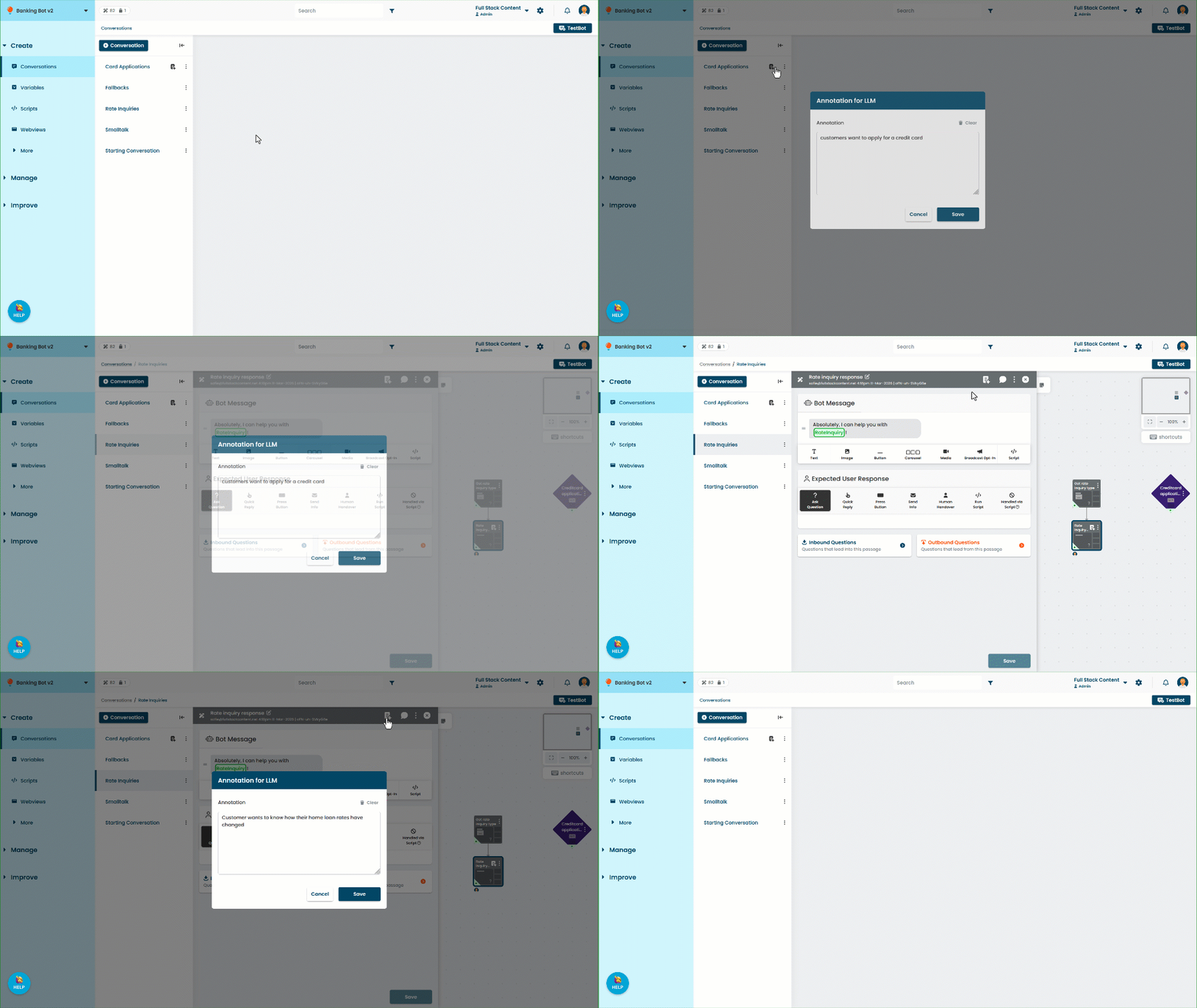
- Update the annotation.
To delete the annotation, click Clear. - Click Save.