Add a Shopify integration to your chatbot to allow your chatbot users to browse and buy products from your chatbot.
You need an administrator role on your team to add integrations.
Once your Shopify integration is complete, you can use scripts to retrieve product information and add and remove items from your user's shopping cart using the Shopify functions.
For more information on adding scripts to your chatbot, see:
You will need your the store base URL and the Storefront Access Token from your Shopify account.
To connect to Shopify:
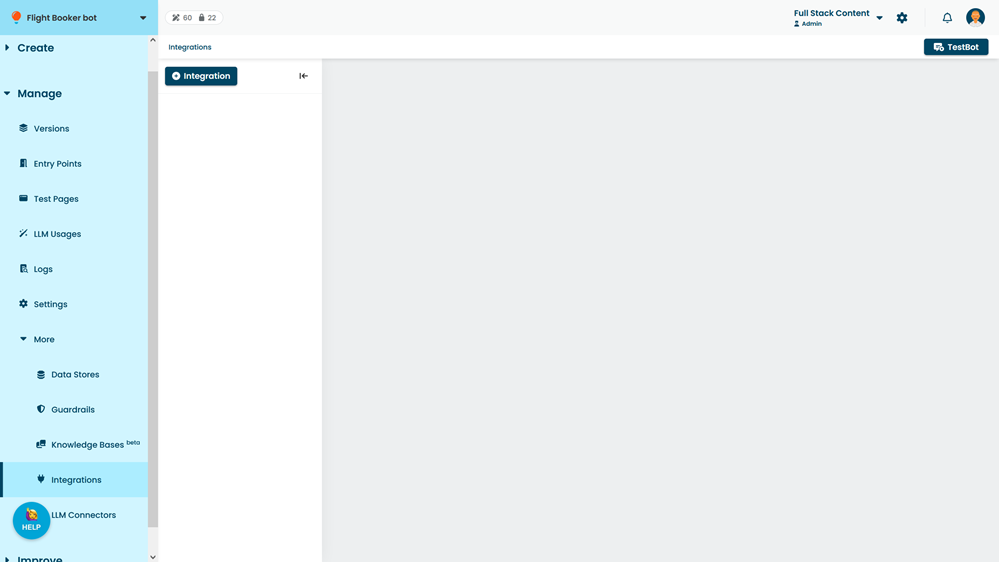
- Click Manage > More in the left navigation, then click Integrations.
- Click + Integration.
- Click Shopify.
- Paste the Shopify Store Base URL.
- Paste the Storefront Access Token.
- Click Save.