Create an entity to extract key information from user utterances
- Custom entities, where you define the values and synonyms.
- Template entities, where the values and synonyms are defined for you.
Create a custom entity
- Click Create > More in the left navigation, then click Entities.
- Click + Entity.
- Select From blank.
- Type a unique Name for your entity.
This name is how you'll add the entity to training phrases. Keep it short but descriptive. - Optionally, select a group for the entity.
- Click Create.
-
Add your entity values.
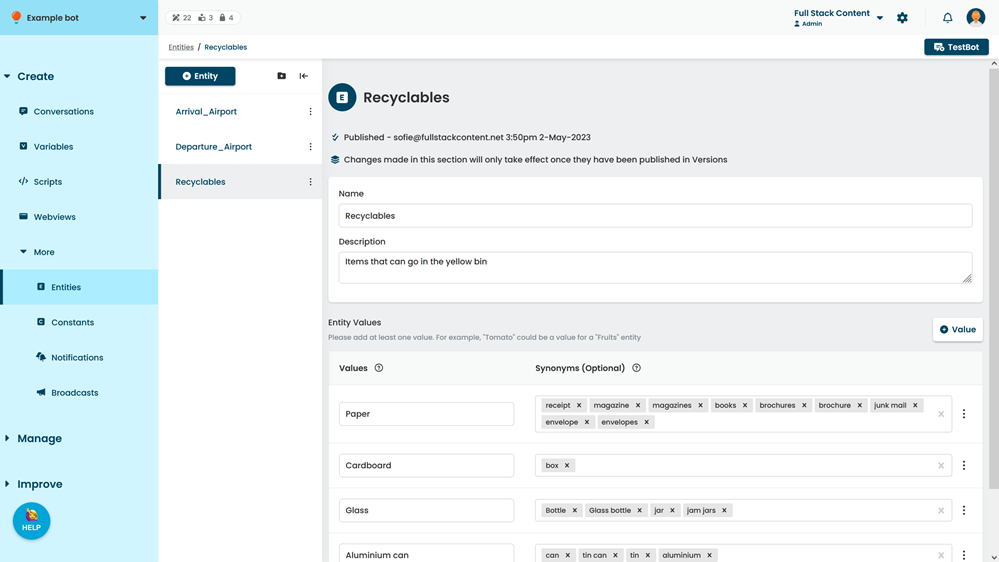
- Click Save.
You can test your new entity in TestBot immediately. New content is created as a draft and must be published before it appears in your live chatbot.
Create a template entity
- Click Create > More in the left navigation, then click Entities.
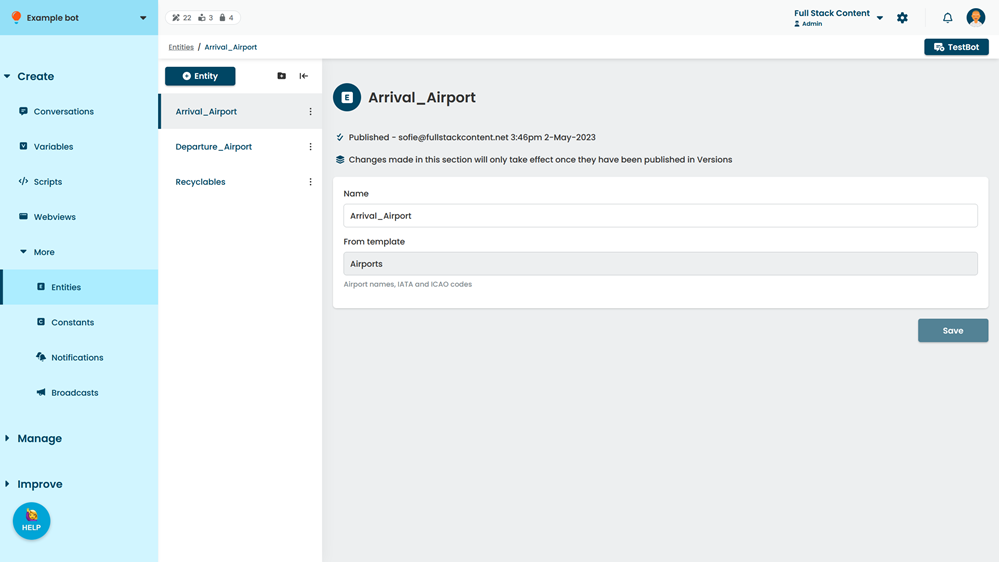
- Click + Entity.
- Select From a template.
- Select the template you want to use from the drop-down.
- Type a unique Name for your entity.
This name is how you'll add the entity to training phrases. Keep it short but descriptive. - Optionally, select a content group for the entity.
- Click Create.