When you create a custom entity, you must define all the values that the entity will match.
You can only create values for custom entities; template entity values are already defined for you.
When adding values to your entity, consider the values you already have in other entities. Avoid adding a value that is already used differently in another entity.
To create an entity value:
- Click Create > More in the left navigation, then click Entities.
- Click the entity you want to edit.
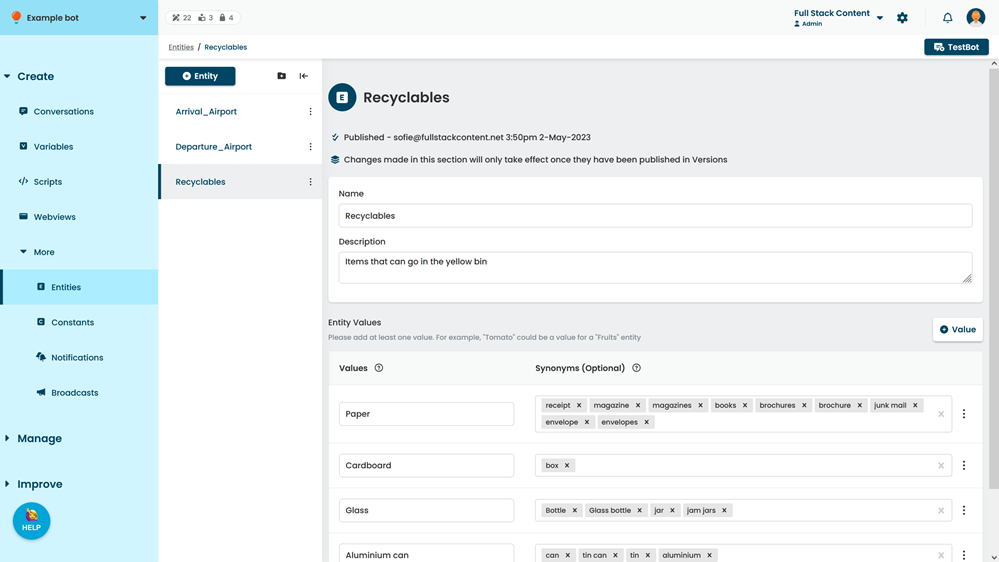
- Click + Value.
- Type the Value to add in the new field.
- If your users use several different words to mean the same thing, such as 'rubbish' or 'trash' instead of 'waste', add synonyms to the entity value for the additional words.
- Click Save.
You must publish these changes before they'll appear in your live chatbot.