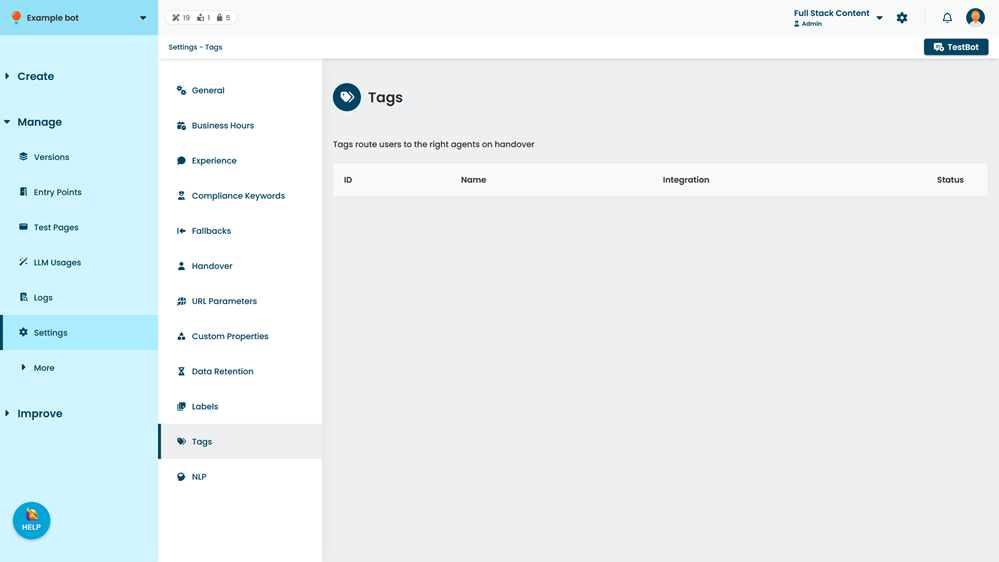
Depending on your chatbot integrations, tags are either created manually in your chatbot, or maintained in your integrated livechat platform and synced to your inGenious AI chatbot. You can create or sync your tags on the Tag settings page.
You need an administrator role on your team to edit chatbot settings.
You will need to integrate the livechat platform and enable chat tagging for the integration before you can create or sync your tags. InGenious AI currently supports tags from:
- Zendesk, either directly via Zendesk Chat, or through your Sunshine Conversations(v2) integration. You can create tags manually for these integrations.
- Khoros, which allows you to sync tags you created in your livechat platform.
Your chatbot can use tags from multiple livechat platforms. As a user moves through a conversation with your chatbot, inGenious AI applies only the tags for the livechat platform they're using.
Livechat platforms have their own restrictions on tag names. For more information on creating tags, see:
Syncing tags
If you have deleted tags from your livechat platform, they will be marked as Expired in your inGenious AI chatbot.
To sync your tags:
- Click Manage in the left navigation, then click Settings.
- Click Tags.
- Click Sync.