Make sure you have:
- Created a dedicated chatbot account in Zendesk.
- Configured your Zendesk Chat account.
- Found your Zendesk Chat access token.
- Generated your handover department ID.
Now add the integration to inGenious AI. You need an administrator role on your team to add integrations.
In your inGenious AI chatbot:
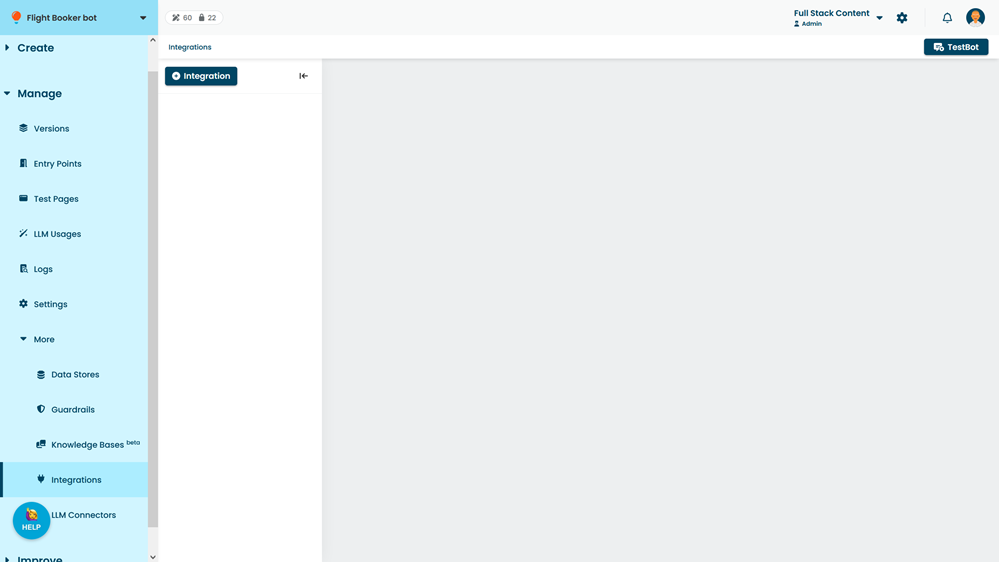
- Click Manage > More in the left navigation, then click Integrations.
- Click + Integration.
- Click Zendesk Chat.
- Paste the Access Token from Notepad.
- Select Enable handover.
- Copy the department ID you created earlier into the Handover Department field.
- Click Save.