Delete a team member to revoke their access to your team and chatbots.
Deleting a team member only impacts that user's access to your team and chatbots, it doesn't delete their inGenious AI platform account. You can add this user back to your team later by inviting them again.
You need an adminiatrator or publisher role on your team to delete team members.
To delete a team member:
- Click the gear next to your team name, then click Manage Team.
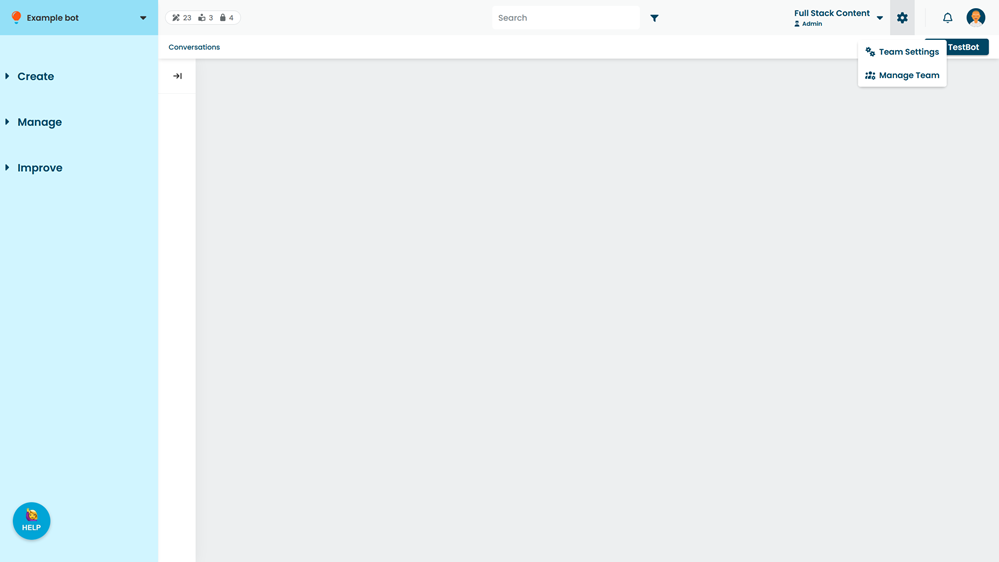
- Click the menu next to their name.
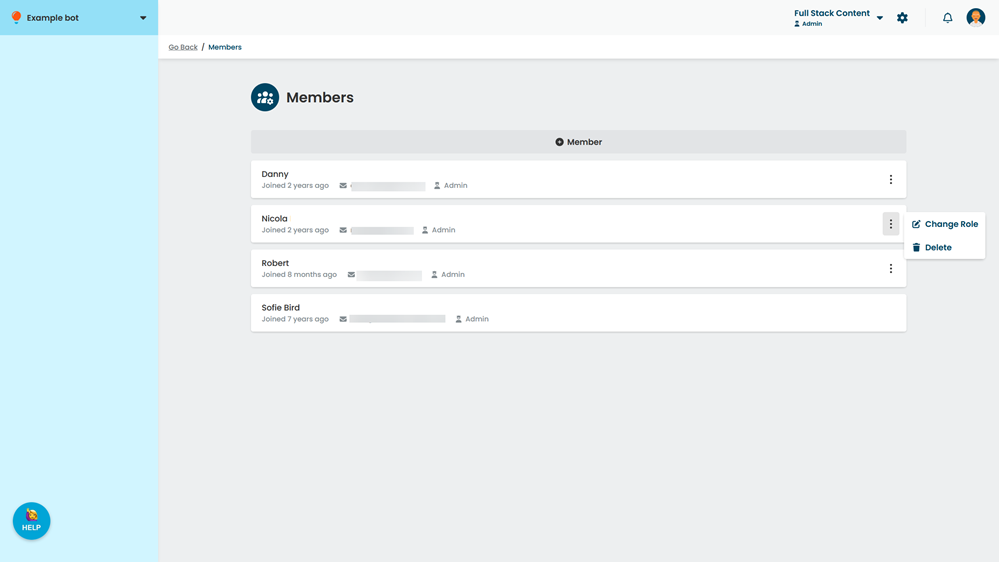
- Click Delete.