Deleting a conversation deletes it and all the passages it contains from your chatbot.
Are you sure?
Conversations that haven't been published are deleted immediately and can't be recovered. Conversations that have been published can be reverted from the versions screen until you publish the deletion. Once you've published the deletion, the conversation is permanently deleted and can't be recovered.
To delete a conversation:
- Click Create in the left navigation, then click Conversations.
- Click the menu next to the conversation you want to delete.
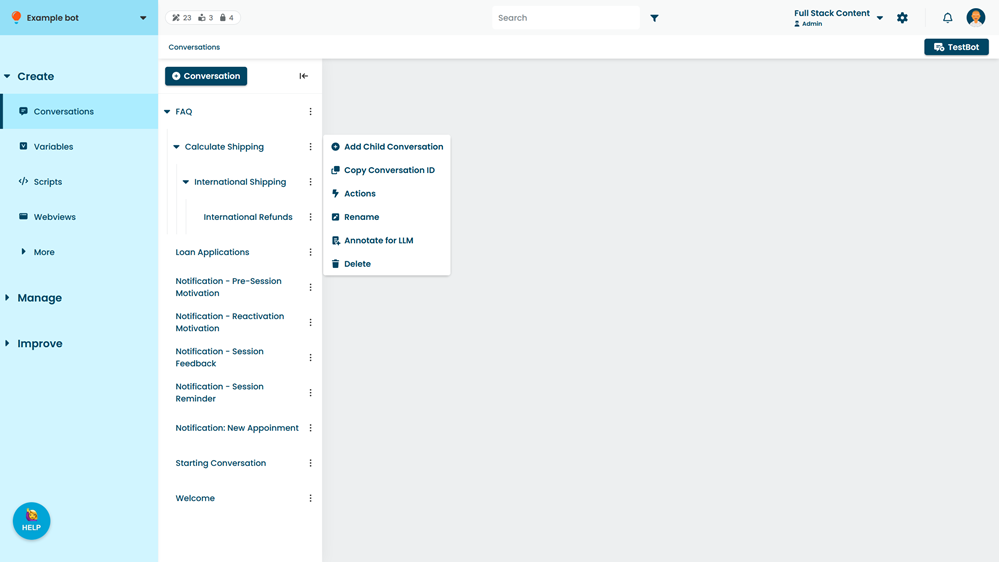
- Click Delete.