Create a webview to display a single-page web app within your chatbot channel. You can add the webview to a passage using a button.
You can preview and test your new content in TestBot immediately. New webviews are created as a draft and must be published before they'll appear in your live chatbot.
To create a webview:
- Click Create in the left navigation, then click Webviews.
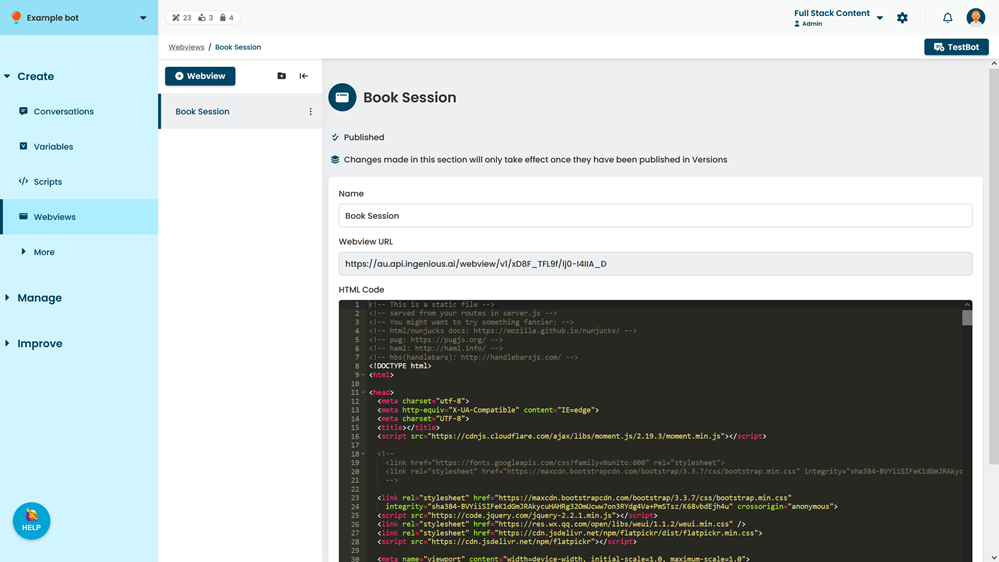
- Click + Webview.
- Type a Name for your webview.
You can change this later. - Optionally, select a group for the webview.
- Click Create.
- Add the HTML Code to display as the webview.
For more information on webview HTML code, see Create a webview in the developers section. - Click Save.