Delete a webview to delete the webview and its HTML from your chatbot. You must publish this change before it will appear in your live chatbot.
Check your chatbot content
Any buttons that open this webview in your passages will stop working. Make sure you update the buttons before you publish this change. If the webview has been published, you can revert the deleted webview from the versions screen until you publish the deletion.
To delete a webview:
- Click Create in the left navigation, then click Webviews.
- Click the menu next to the webview you want to delete.
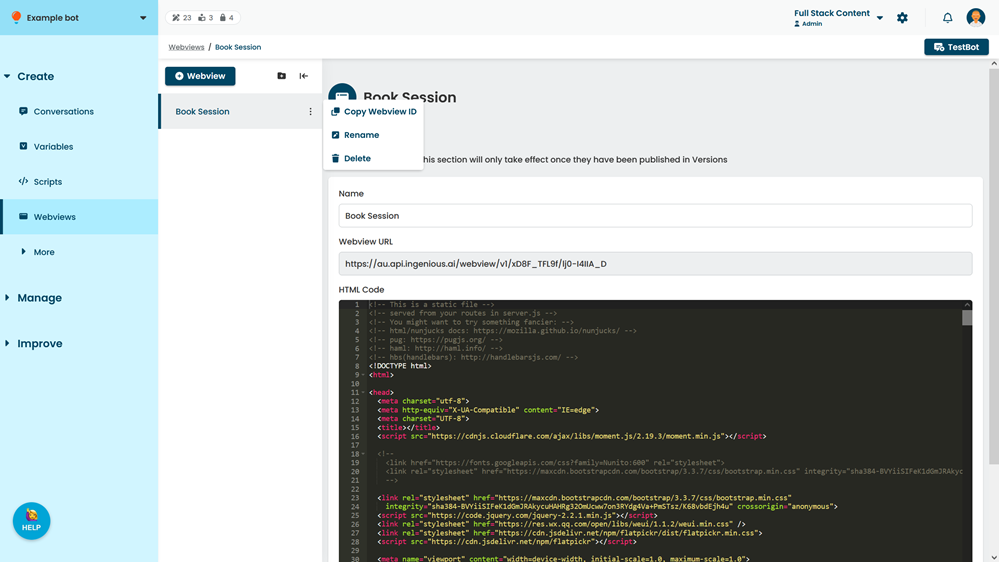
- Click Delete.