Personalising your chatbot's responses helps your chatbot user feel they're being heard and valued. A simple way to personalise your content is to customise your chatbot's response using the words your chatbot user used in their questions. For example, if they send a question about a product, your chatbot can use the name of the product in its reply.
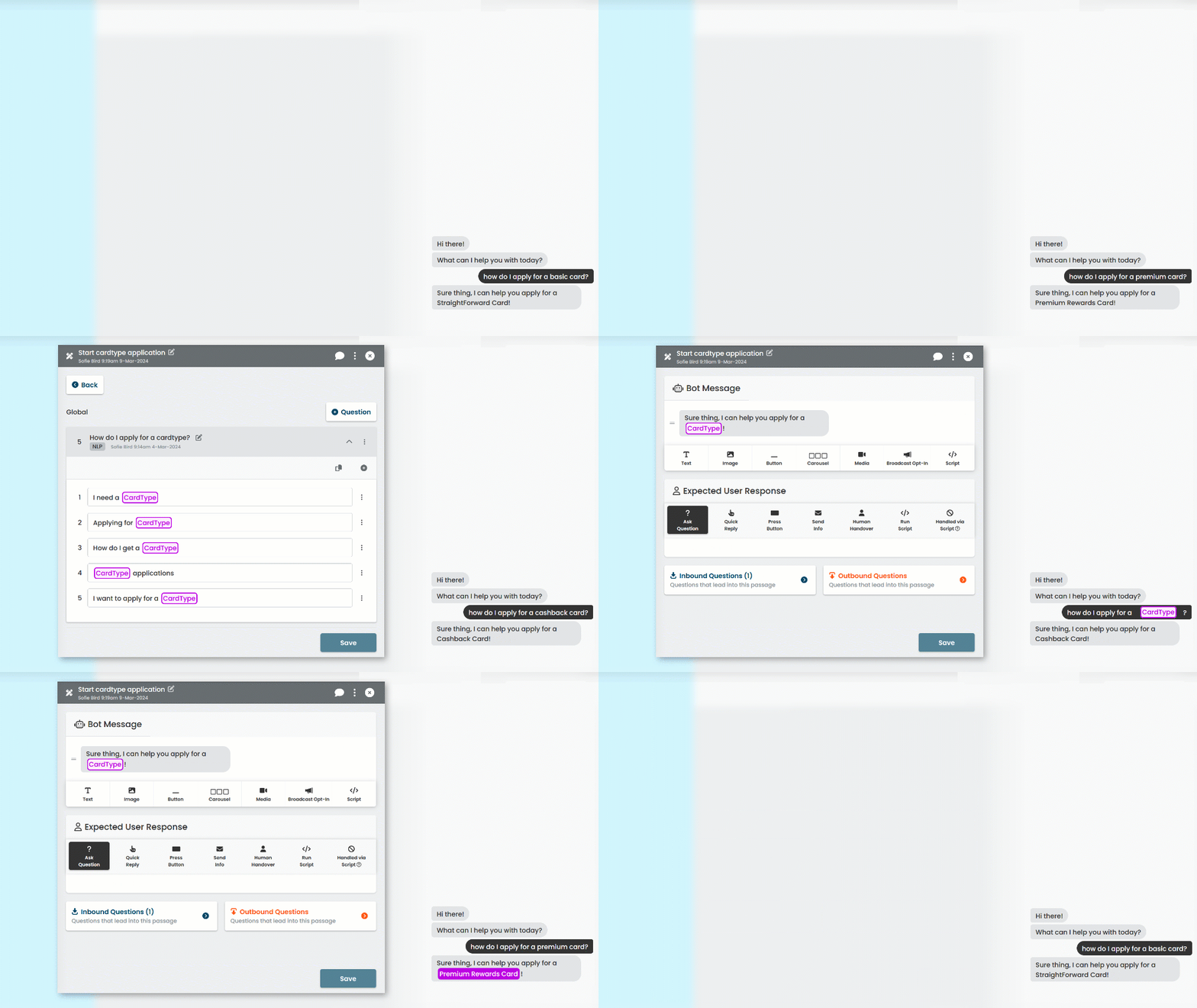
If a lot of our responses are the same for all products, we don't want to make a lot of duplicate passages just to specify the different product names. Instead, we'll use a placeholder for the product name called an entity.
Entities are special placeholders that capture specific words from questions so they can be used in chatbot content. Before the chatbot starts the passage, it updates the entity placeholder with the value it captured from the chatbot user's question.
In this guide, we're going to:
- Create the entity we'll use as a placeholder for all our product names.
- Create the passage where we'll respond to the chatbot user's product question.
- Create a question using that entity to capture the product name the chatbot user used.
- Use that entity in the passage's bot message to reply to the chatbot user with the correct product name.
To start, let's create our entity.