Delete a business hours set if you no longer need to direct your chatbot traffic by those hours.
You need an administrator of publisher role on your team to edit business hours.
Check your scripts
Deleting a business hours set that is being used by a script may cause that script to stop working. Make sure you update any scripts that are using this business hours set.
To delete a business hours set:
- Click Manage in the left navigation, then click Settings.
- Click Business Hours.
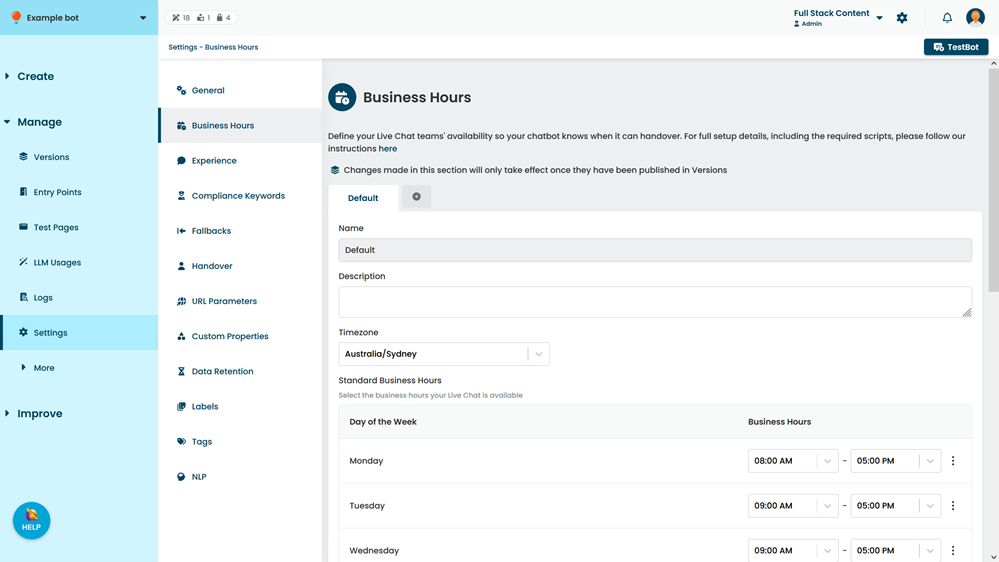
- Click the business hours set you want to delete.
- Click Delete Set.
- Type Delete.
- Click Confirm.