Delete an action deletes the action and any configuration from the chatbot content where the action was configured. You'll need to publish your changes before the action is deleted from your live chatbot.
To delete an action:
- Open the menu where you want to delete an action:
- Click Manage in the left navigation, then click Entry Points and click the entry point you want to delete an action from.
-
Click Create in the left navigation, then click Conversations and:
- Click the menu next to the conversation you want to delete an action from.
- Click the passage or logic you want to delete an action from, then click the menu at the top.
- Click the passage with the button or Quick Reply you want to delete an action from, then click the button or Quick Reply.
- Click the logic with the condition tab or Else section you want to to delete an action from, then either click the tab or scroll down to the Else section.
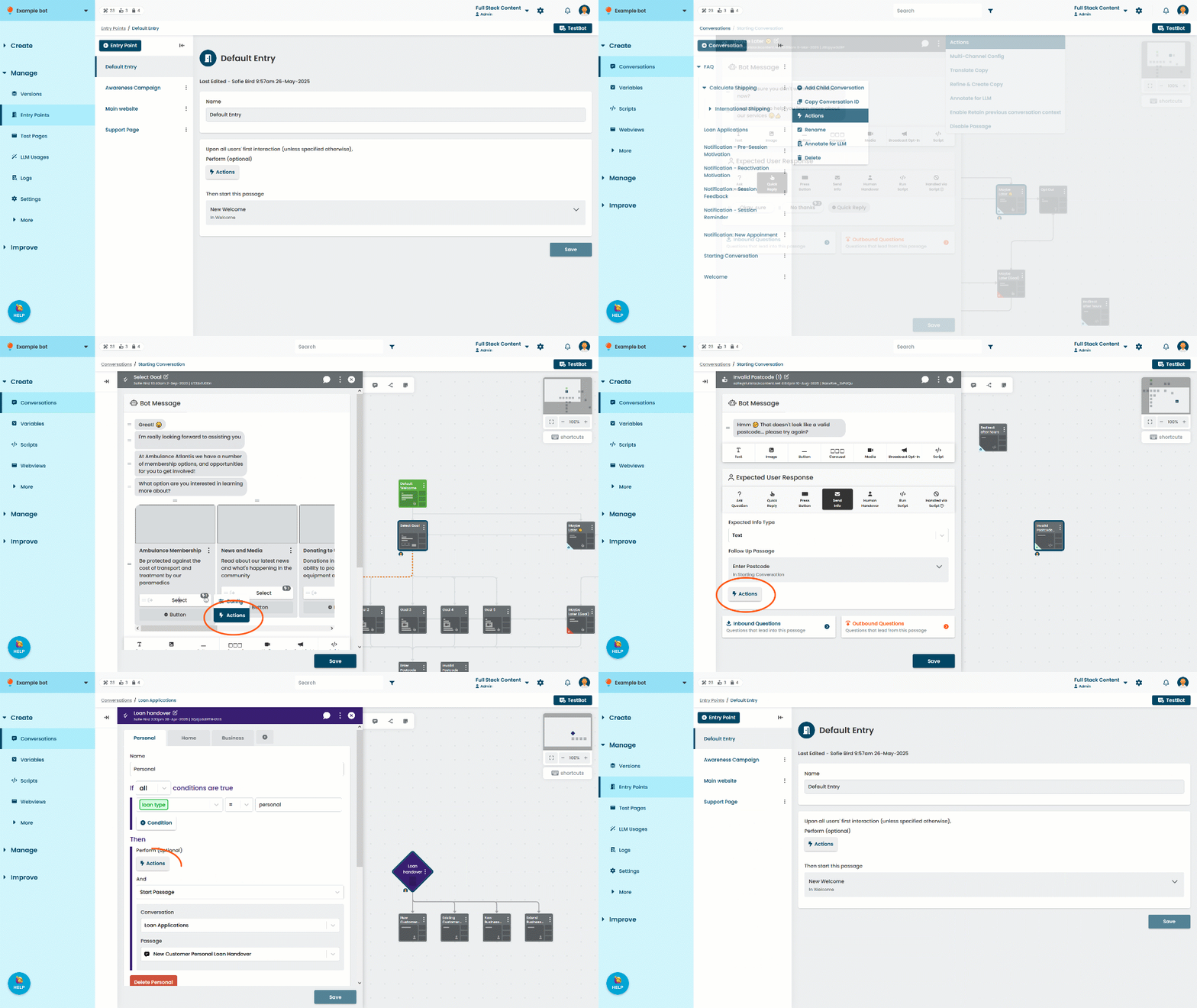
- Click Actions.
- Click the delete icon next to the action you want to delete.
- Click Save.