Create conversations to group passages and logic that share the same context when answering questions. You can also create child conversations for additional levels of context.
To create a conversation:
- Click Create in the left navigation, then click Conversations.
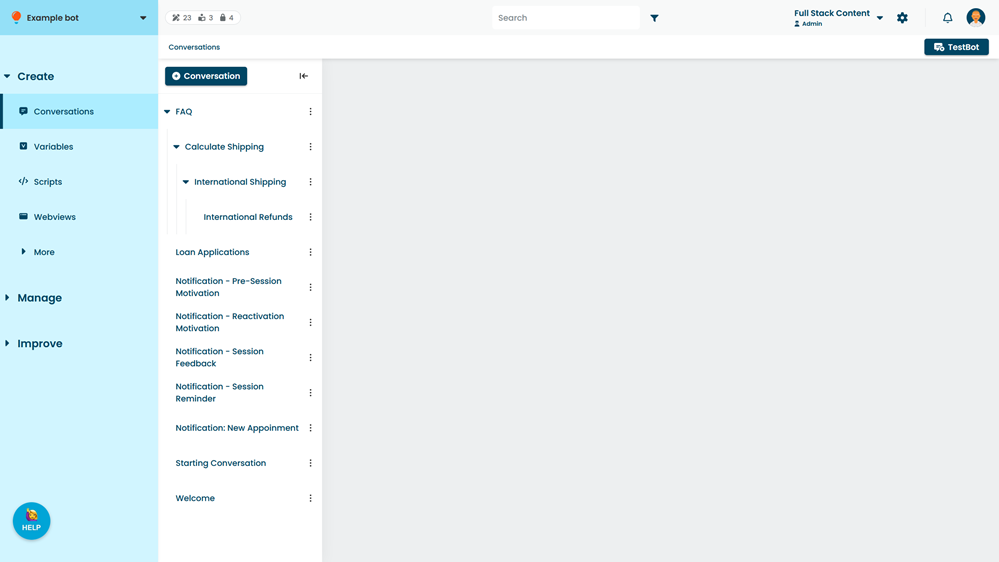
- Click + Conversation.
- Type a Name for the conversation.
- Click Create.
New conversations are created as a draft and must be published before they appear in your live chatbot.
Create a child conversation
Child conversations are nested inside another conversation in order to create levels of context for matching questions. You can see child conversations by expanding the parent in the conversation list.
To add a child conversation:
- Click Create in the left navigation, then click Conversations.
- Click the menu next to the parent conversation.
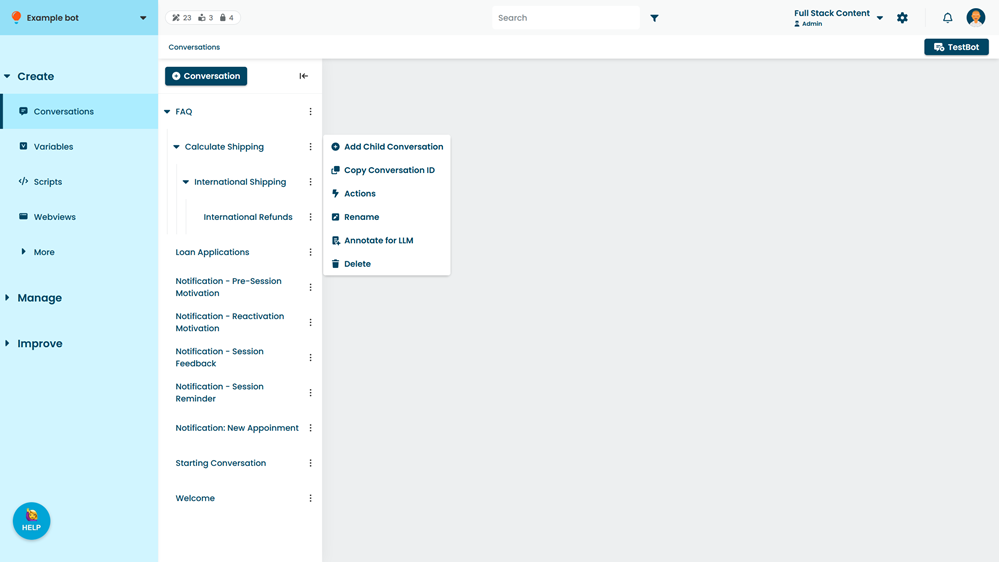
- Click Add Child Conversation.
- Type a Name for the conversation.
- Click Create.
New conversations are created as a draft and must be published before they appear in your live chatbot.