Archive a chatbot when you want to hide it permanently from your team's chatbots. Archived chatbots are still live, and can interact with users like normal chatbots, but you won't be able to view or edit the chatbot content.
You need an administrator role on your team to archive a chatbot.
Are you sure?
Once you archive a chatbot, you can't retrieve it yourself; you'll need to submit a support request via the inGenious AI Help Centre to get your chatbot back.
To archive a chatbot:
- Click Manage in the left navigation, then click Settings.
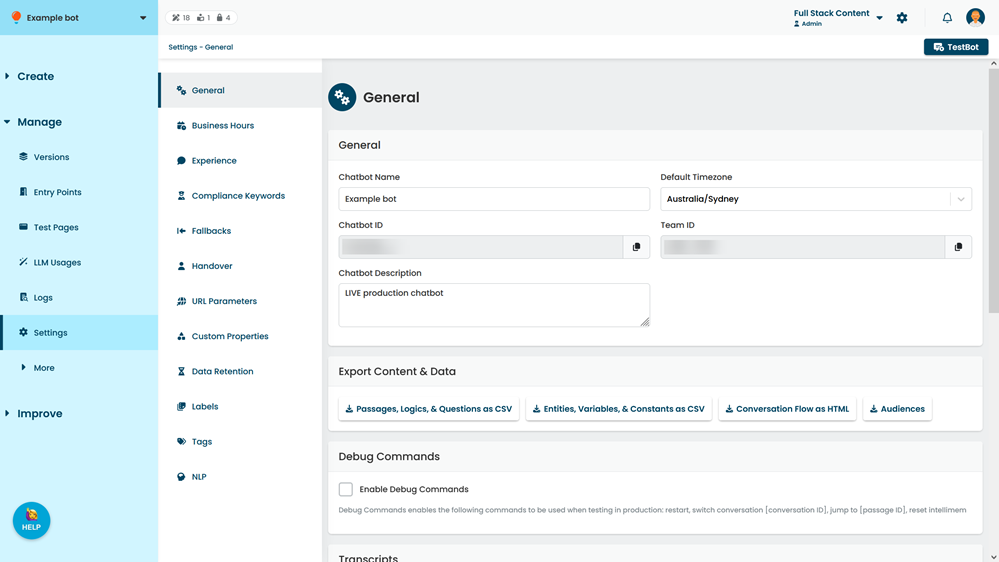
- Click Archive chatbot.