Add a Mixpanel channel to collect metrics on your chatbot for reporting in Mixpanel.
You need an administrator role on your team to add integrations.
To connect to Mixpanel, you will need your Mixpanel token. See the Mixpanel guide on how to find your project tokens.
To connect to Mixpanel:
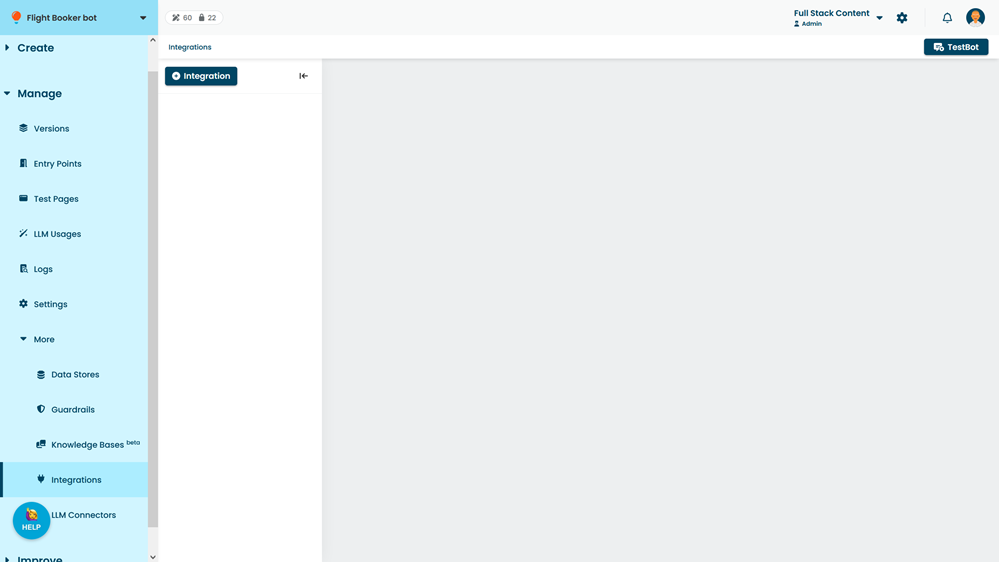
- Click Manage > More in the left navigation, then click Integrations.
- Click + Integration.
- Click Mixpanel.
- In the new Mixpanel integration, paste your Mixpanel token in the Token field.
- Optionally, type a URL to identify your project in Mixpanel.
- Click Save.