Delete an automated test to delete and all its result sets from your chatbot. The automated test is deleted immediately and cannot be recovered.
You need an administrator or publisher role in your team to delete automated tests.
To delete an automated test:
- Click Improve in the left navigation, then click Automated Tests.
- Click the menu next to the automated test you want to delete.
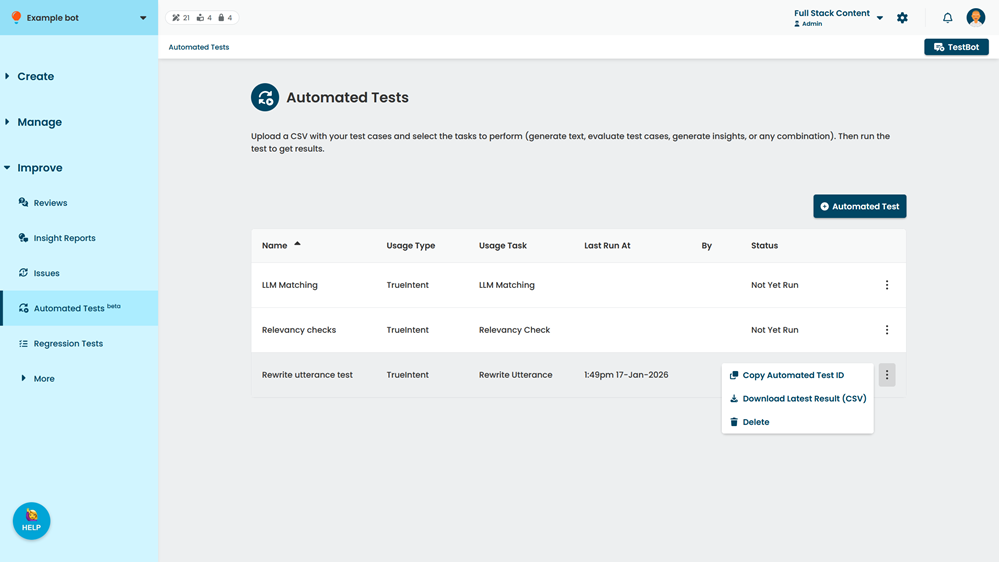
- Click Delete.