Rename a usage to give it a descriptive name in your chatbot. We recommend you use a distinctive name for each usage.
You need an administrator or publisher role in your team to rename a usage.
To rename a usage:
- Click Manage in the left nativation, then click LLM Usages.
- If you don't see the usage you want to rename, click the filter icon next to + LLM Usage and make sure Show Platform Usages is selected.
-
Click the menu next to the usage you want to rename.
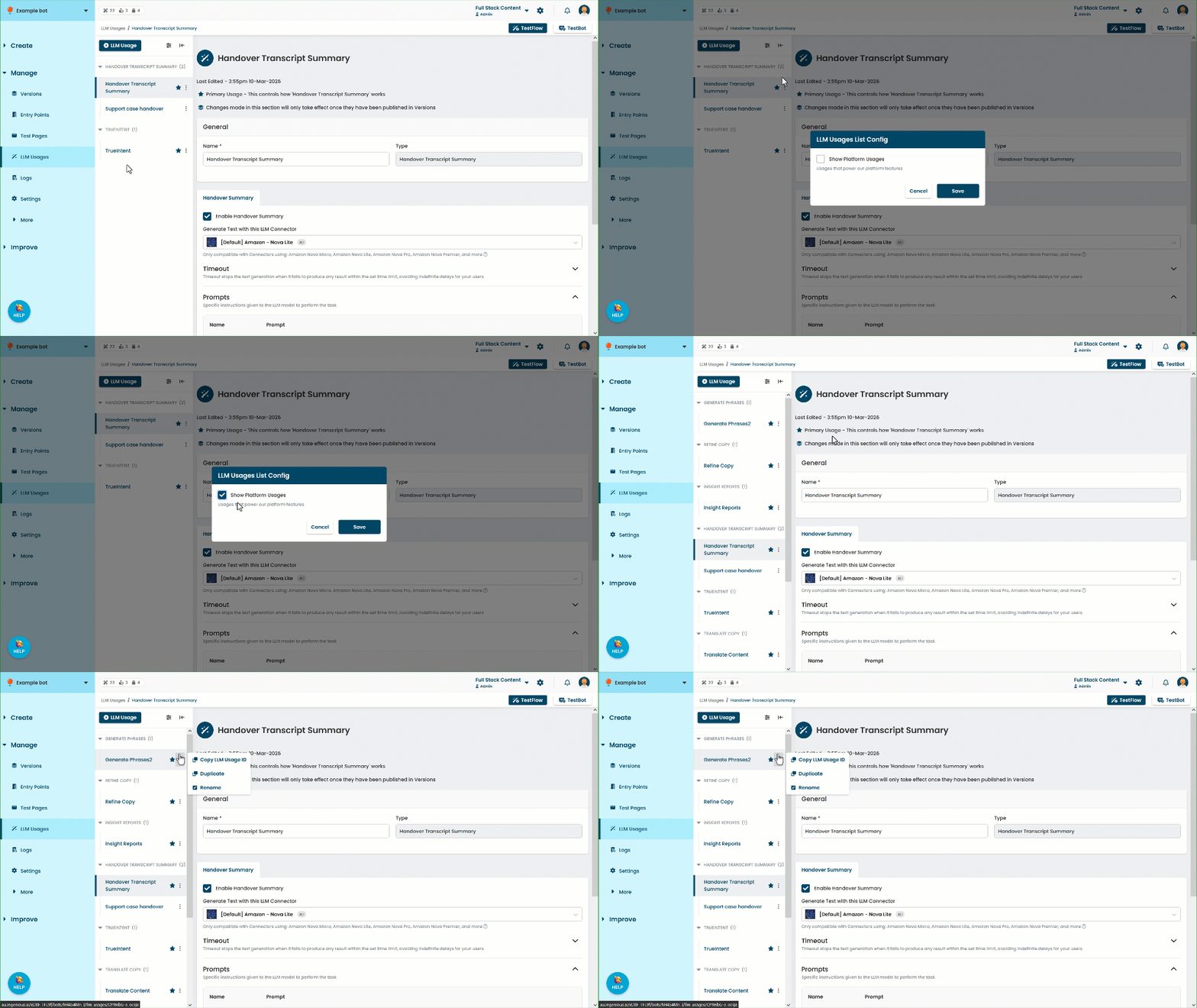
- Click Rename.
- Type the new Name.
- Click Rename.
You can also edit the usage's name in the usage page.