When you duplicate a custom entity, all existing entity values and synonyms are duplicated as well. Any changes you make to the original entity after duplicating it are not reflected in the copy.
To duplicate an entity:
- Click Create > More in the left navigation, then click Entities.
- Click the menu next to the entity you want to duplicate.
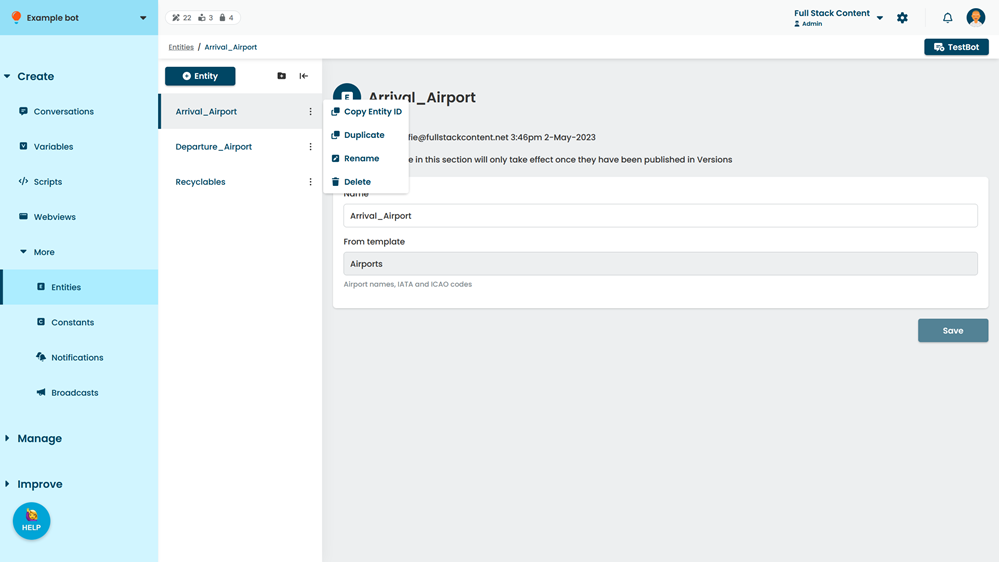
- Click Duplicate.