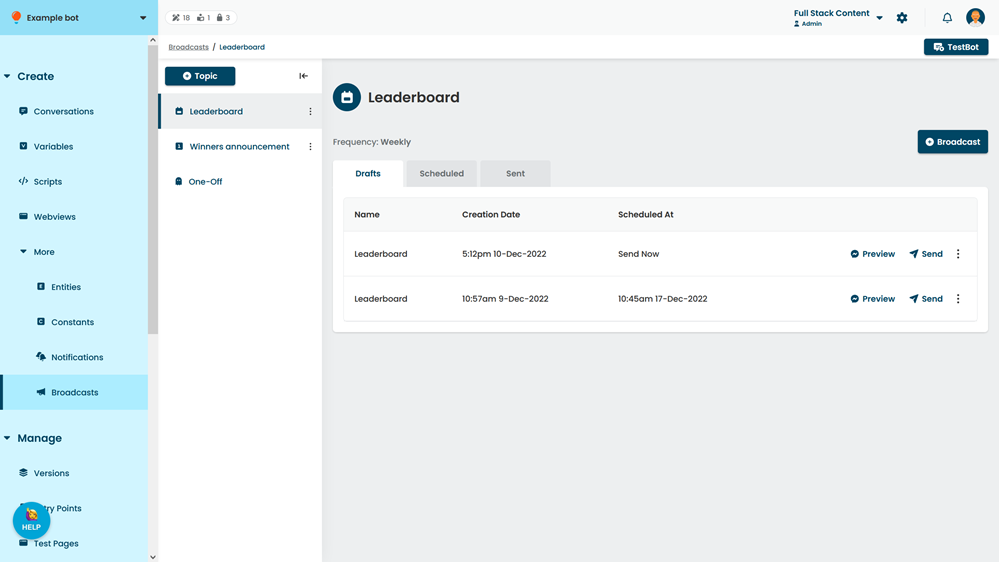
Preview a broadcast in Messenger to see how it will appear to your chatbot users. To preview a broadcast, you must have:
- Created a Meta Messenger integration for your Chatbot.
- Logged in to Facebook.
- Temporarily disabled any popup or ad blockers.
To preview your broadcast:
- Click Create > More, then click Broadcasts.
- Click the topic of the broadcast you want to preview.
- If the broadcast has been scheduled or sent, click the Scheduled or Sent tab.
- Click Preview next to the broadcast.
You can also open the broadcast and click Preview at the bottom of the screen.