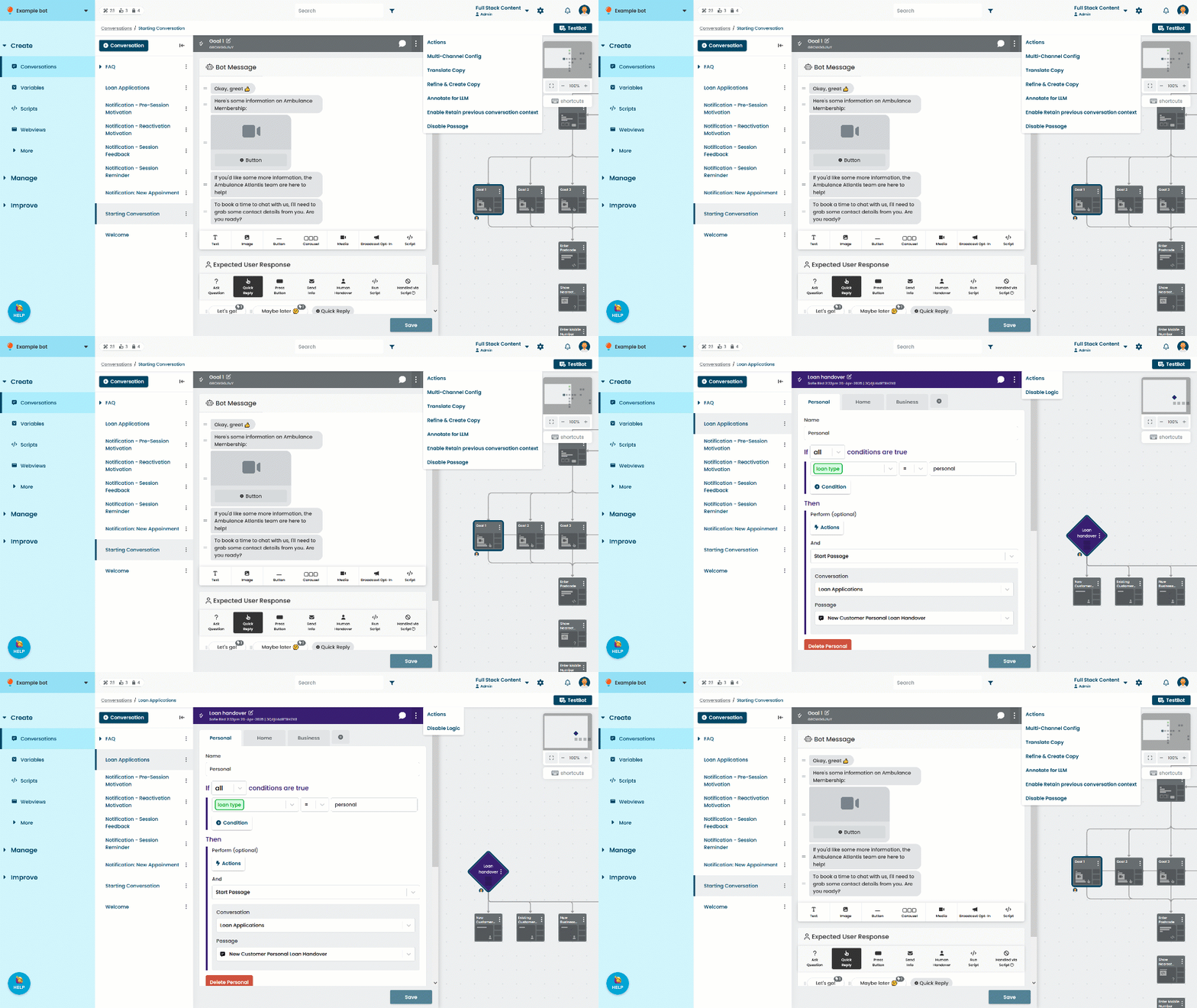
Disable a passage or logic to exclude it from your chatbot without deleting it. Disabled passages and logic:
- Are not sent to your chatbot users
- Cannot receive questions.
- Are displayed in red and not selectable when choosing a passage or logic to send the chatbot to from a passage list.
When you disable a passage or logic, it is marked as a draft change. The content will still be in your live chatbot until you publish a version with it disabled.
To disable a passage or logic:
- Click Create in the left navigation, then click Conversations.
- Click the conversation with the passage you want to disable.
- Click the passage or logic.
- Click the menu on the top right.
- Click Disable Passage or Disable Logic.
- Click Save.
If a passage or logic is disabled, you can re-enable it in the menu on the top right. The content will still be disabled in your live chatbot until you publish a version with it re-enabled.