The published version is the version that chatbot users interact with when they use your chatbot. Changes that you make since that version are visible in previews and Testbot, but your chatbot users only see the published version of your chatbot.
Every version of your chatbot that you have deployed is listed in the Published section of versions. You can republish a previous version if you need to.
To republish an earlier version of your chatbot:
- Click Manage in the left navigation, then click Versions.
-
Click Published.
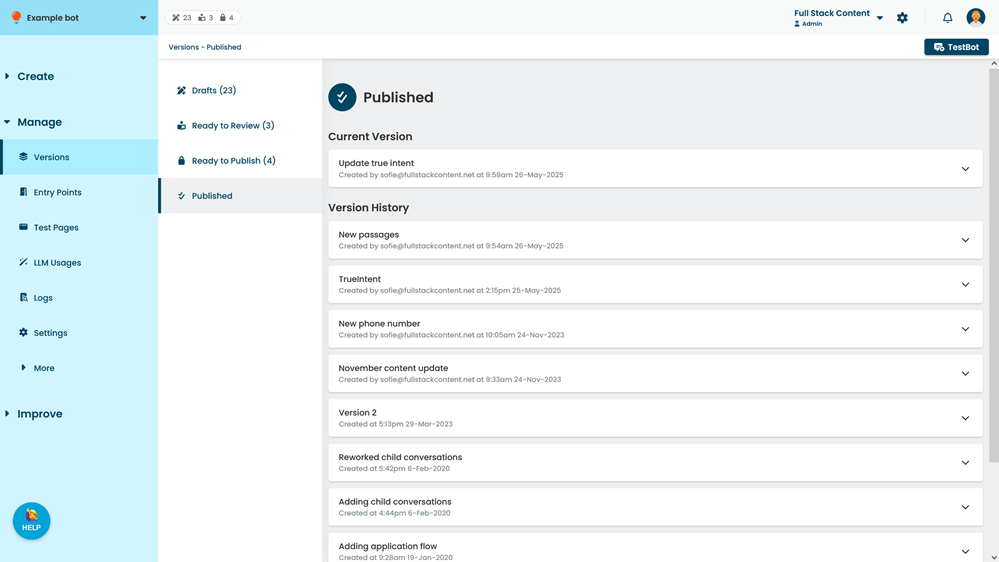
- Expand the version you want to publish.
All changes published in this version are listed. - Click Re-Publish.
You may need to scroll to the bottom of the list of changes.