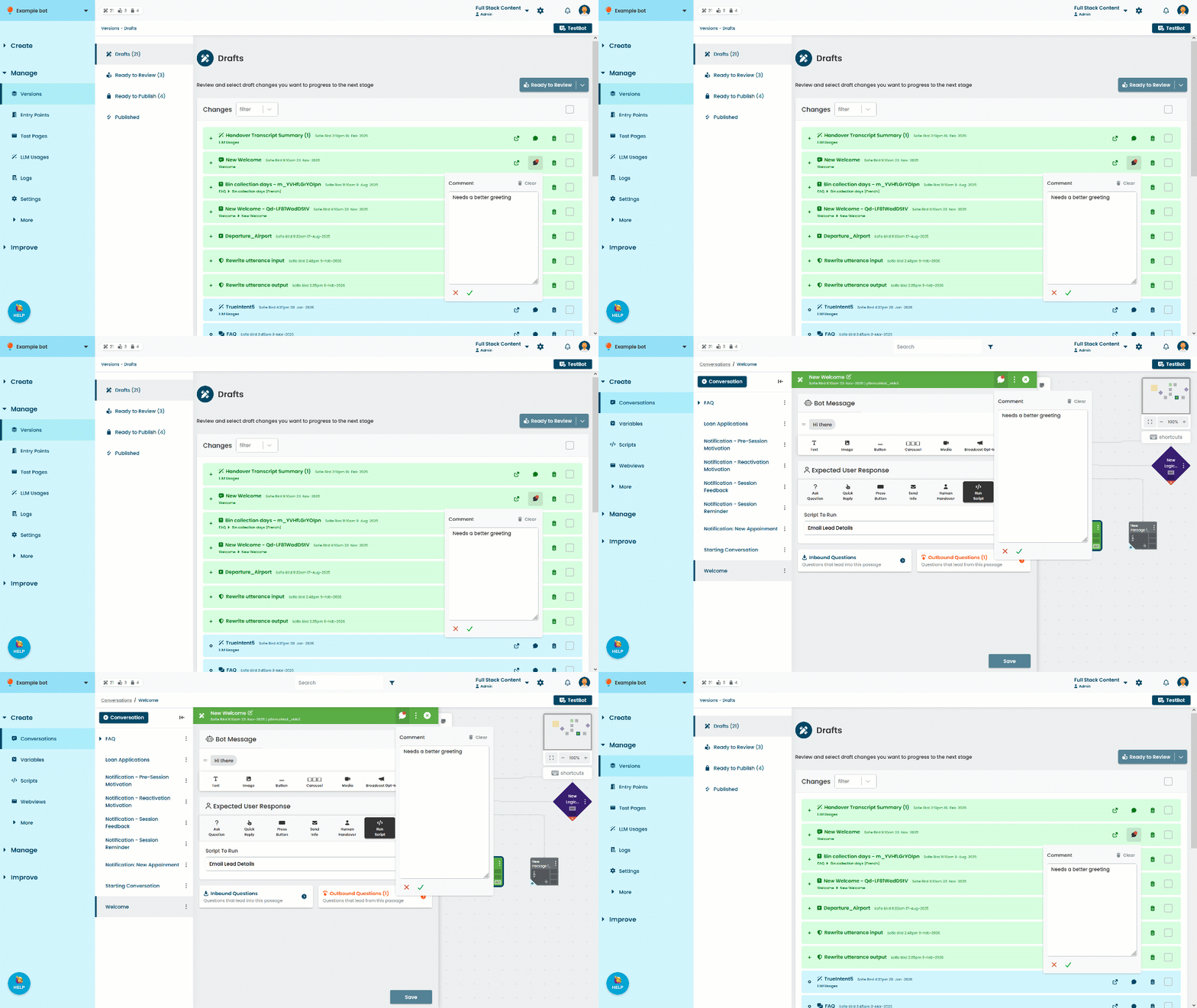
You can view or add comments to a change, passage, or logic. Comments are visible to your whole team and persist between published versions until you delete them. They're great for discussion or highlighting where small changes have been made for a faster review.
Comments you add to passages and logic can also be viewed and edited in the passage and logic screens.
To add a comment:
- Click Manage in the left navigation, then click Versions.
- Click the comment icon on the change you want to add a comment to.
- Type your comment in the text field.
- Click the tick.