When your user account is created, an avatar is randomly generated for you. You can edit your avatar or generate a new one in your profile screen.
- Click your avatar in the top right.
- Click Edit Profile.
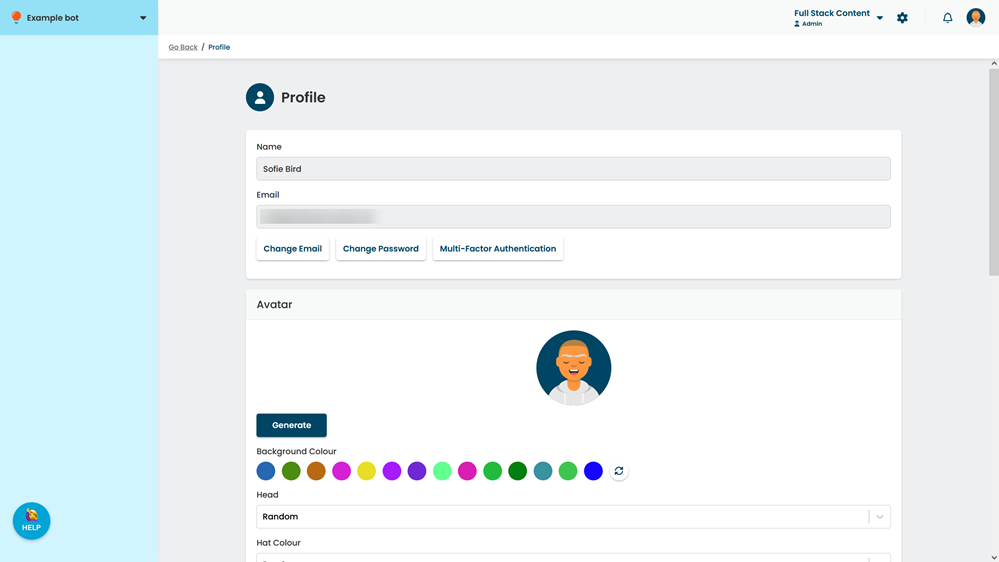
- Select any features you would like.
- Click Generate to see a new generated avatar.
- Click Save.