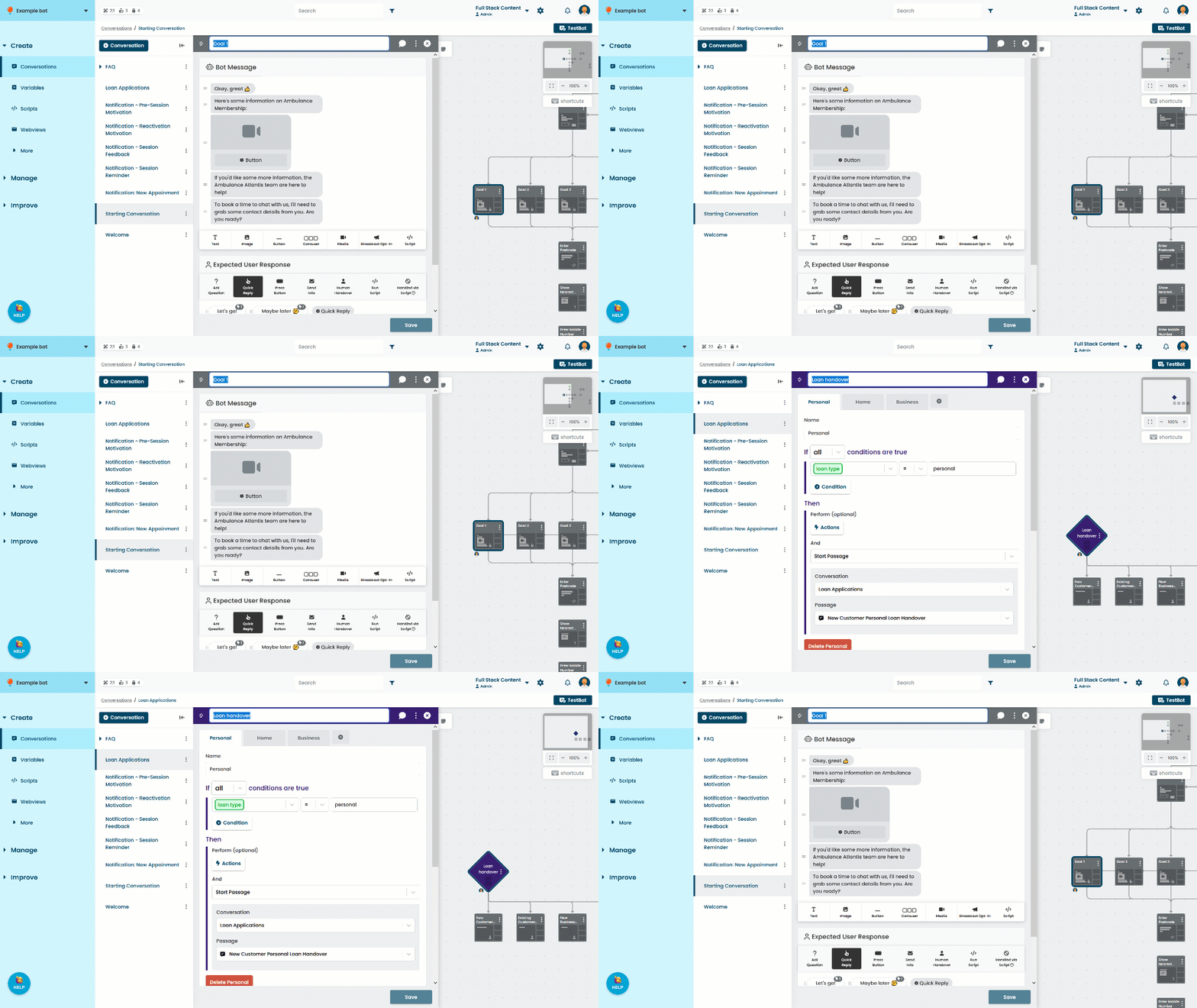
The name of a passage or logic is how you identify it in your chatbot when selecting passages for buttons, quick replies, and other settings. The name is never shown to your chatbot users.
Try to keep names under 24 characters so they can be easily read in the conversation canvas. If the name is longer than 24 characters, you can see the full name in the canvas by hovering over the passage or logic card.
To edit the passage or logic name:
- Click Create in the left navigation, then click Conversations.
- Click the conversation with the passage you want to edit.
- Click the passage or logic.
- Click the name of the passage or logic and type the new name.
- Click Save.