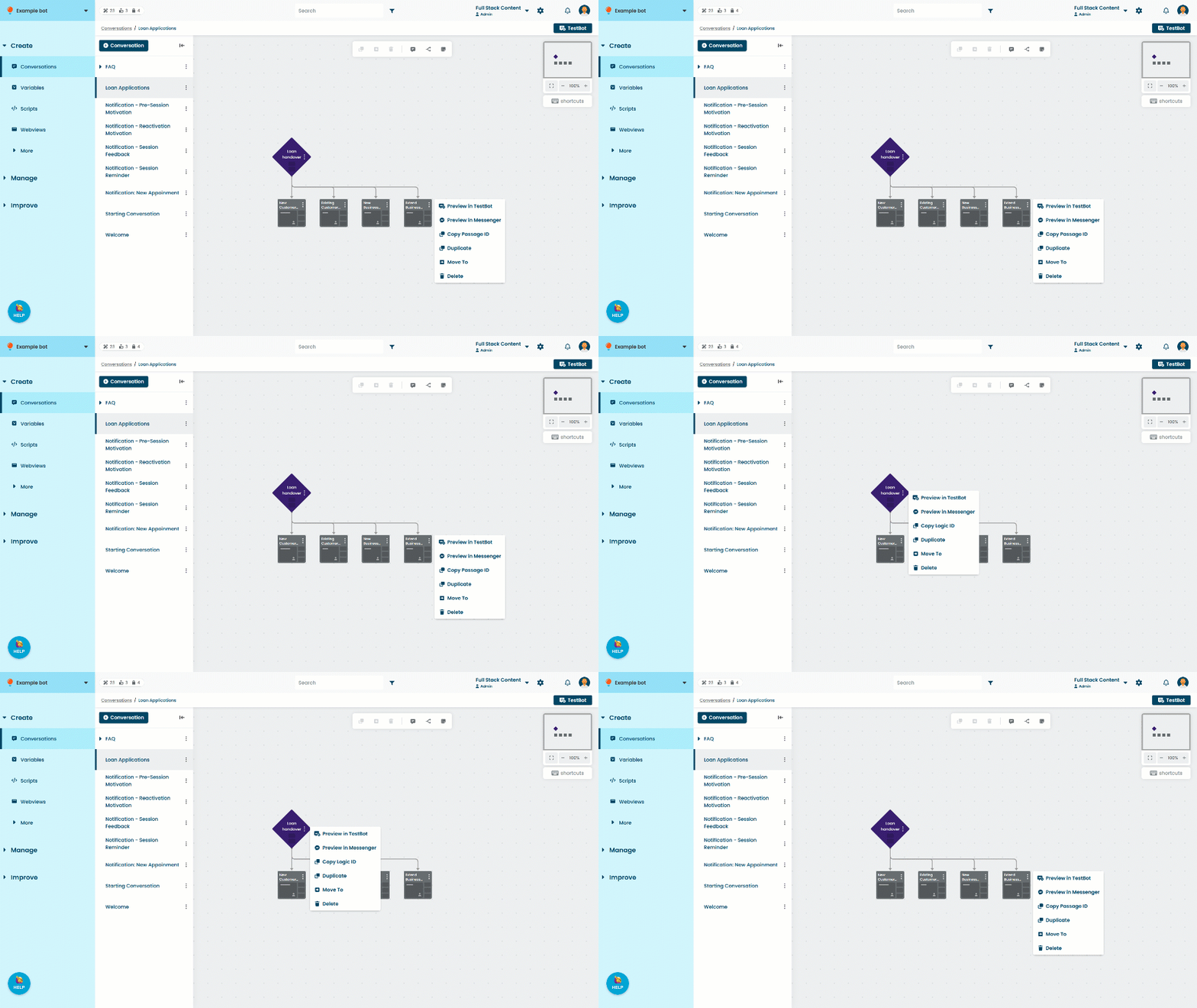
Duplicate a passage or logic to create a copy of it in the conversation. The duplicate will have the same outgoing connections to other content, but no incoming connections.
You can also copy and paste multiple passages, logic, and notes to other conversations or chatbots.
To duplicate a passage or logic:
- Click Create in the left navigation, then click Conversations.
- Click the conversation with the passage or logic you want to duplicate.
- Click the menu on the passage or logic, then click Duplicate.