Broadcast names are used to distinguish different broadcasts within a topic; they're not seen by your chatbot users. You can rename any broadcast that is in draft status. If you want to rename a scheduled broadcast, you need to unschedule it first.
To rename a broadcast:
- Click Create > More, then click Broadcasts.
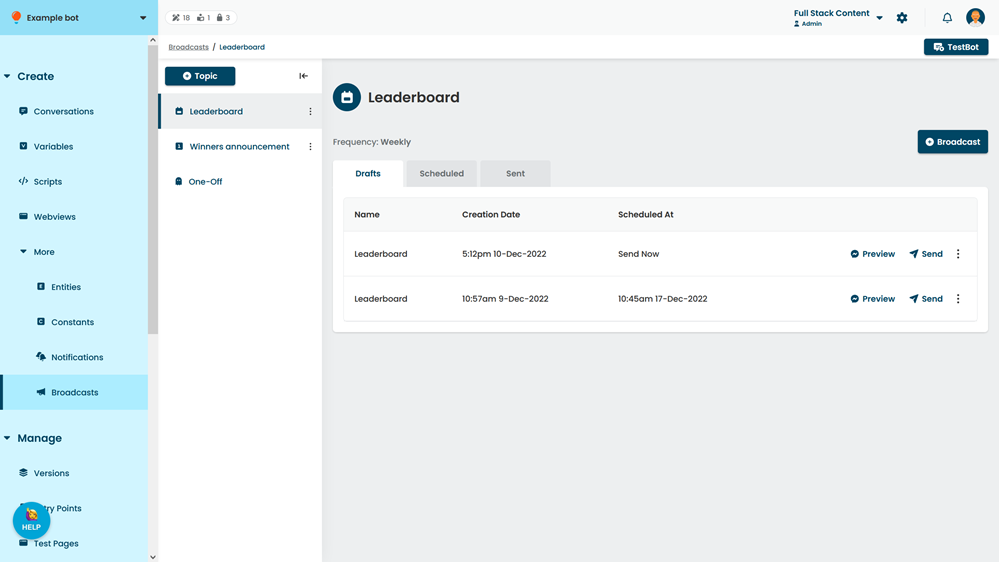
- Click the topic of the broadcast.
- Click the broadcast you want to rename.
- In the Name field, type the new name for your broadcast.
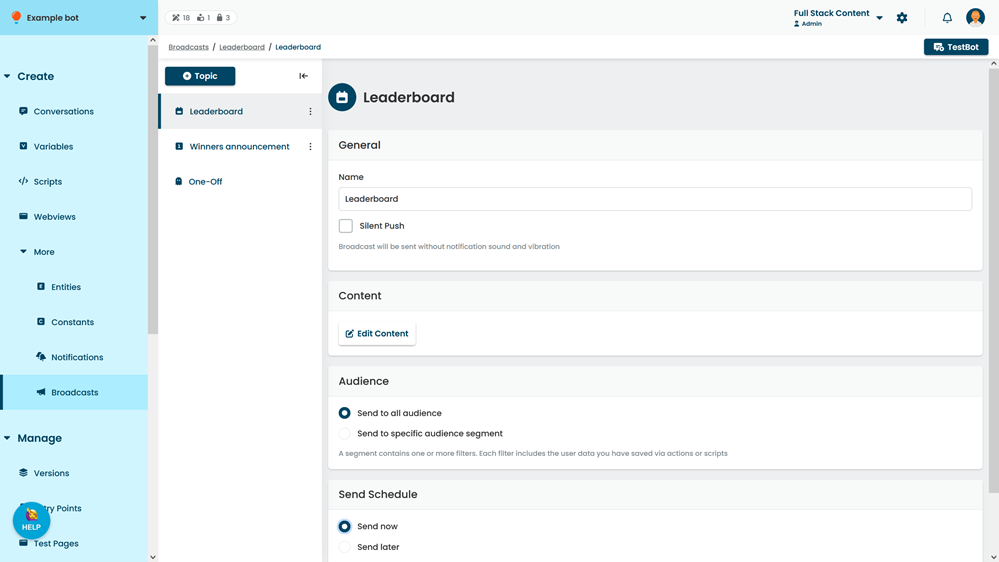
- Click Save.
How do I rename a broadcast topic?
Broadcast topics can't be renamed once they have been created. If you want to change your broadcast topic, you must create a new topic and ask your chatbot users to opt-in using a broadcast opt-in message type.