Rename a webview to change the name that appears in the inGenious AI platform. This does not impact any passages that use the webview.
To rename a webview:
- Click Create in the left navigation, then click Webviews.
- Click the menu next to the webview you want to rename.
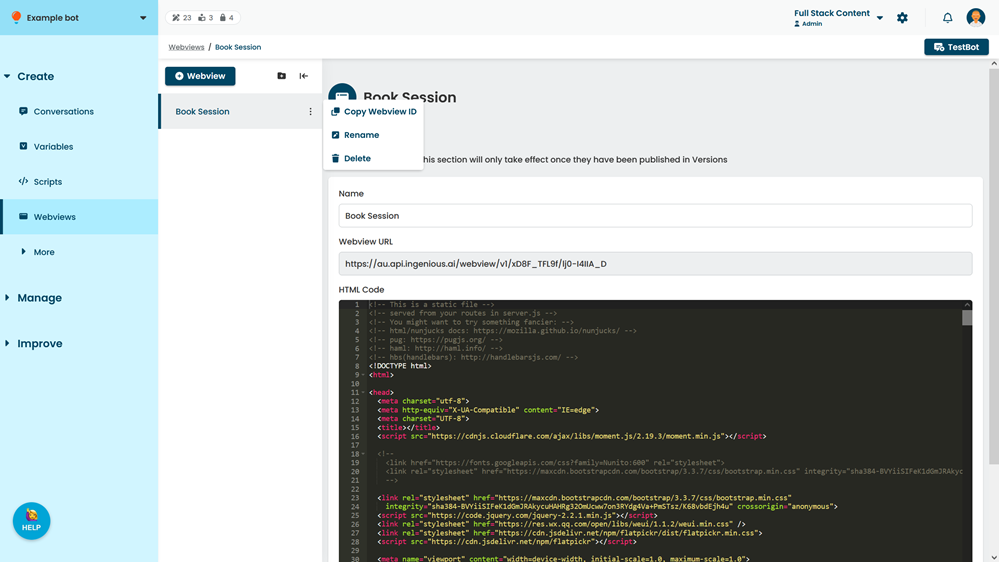
- Click Rename.
You can also open the webview and update the Name.