Deleting a result set immediately deletes it from your automated test. Deleted result sets can't be recovered.
To delete a result set:
Click Improve in the left navigation, then click Automated Tests.
- Click the automated test you want to update.
- At the top of the results pane, select the result set you want to delete.
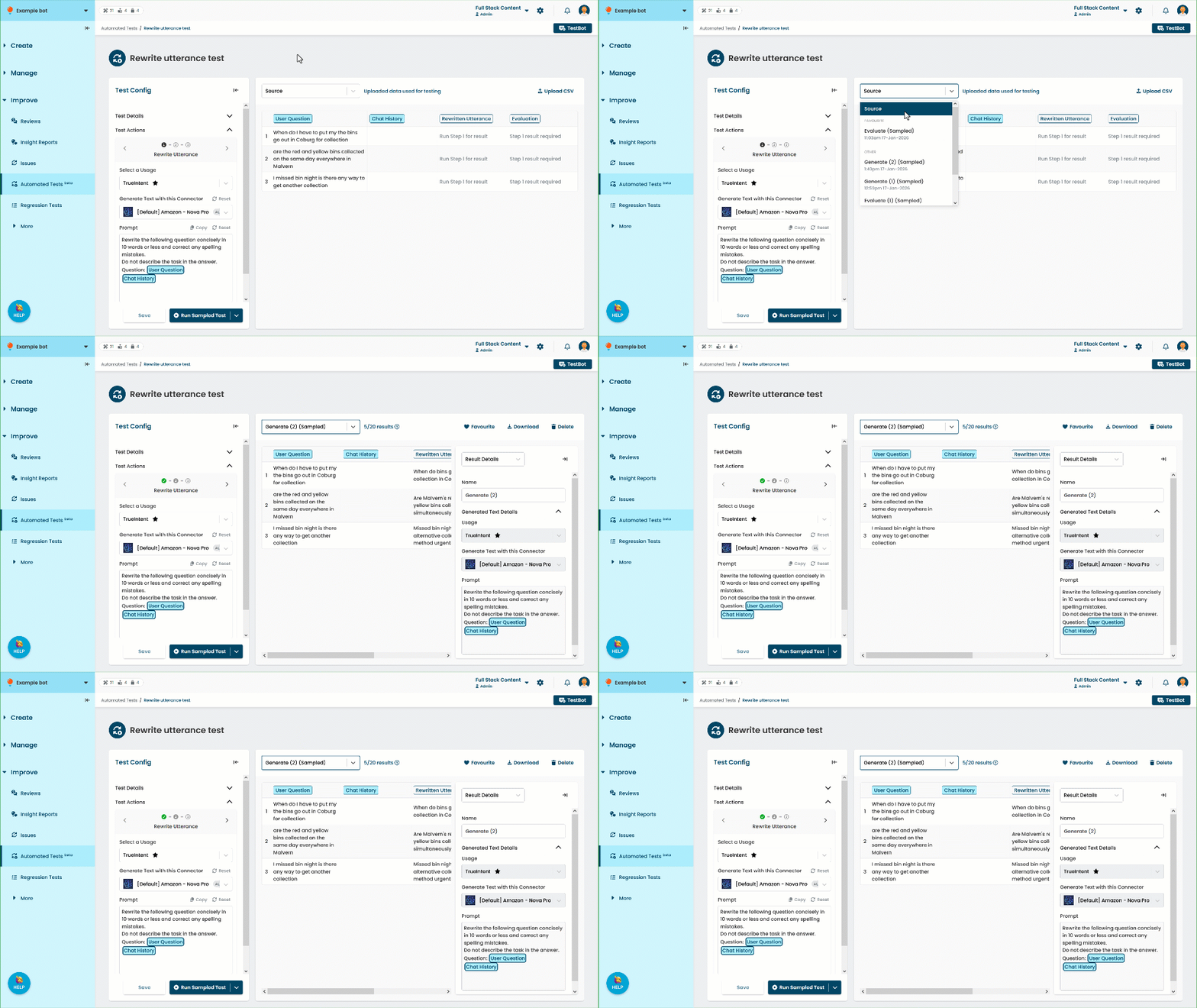
- Click Delete.