Delete a data store to delete both the data and the data store from your chatbot.
This is not a versioned change
The data store is immediately deleted from your chatbot. This change does not appear in versions and cannot be undone. Make sure you have updated any scripts that were using the data store and published those changes before you delete the data store.
To delete a data store and all its data:
- Click Manage > More in the left navigation then click Data Stores.
- Click the menu next to the data store you want to delete.
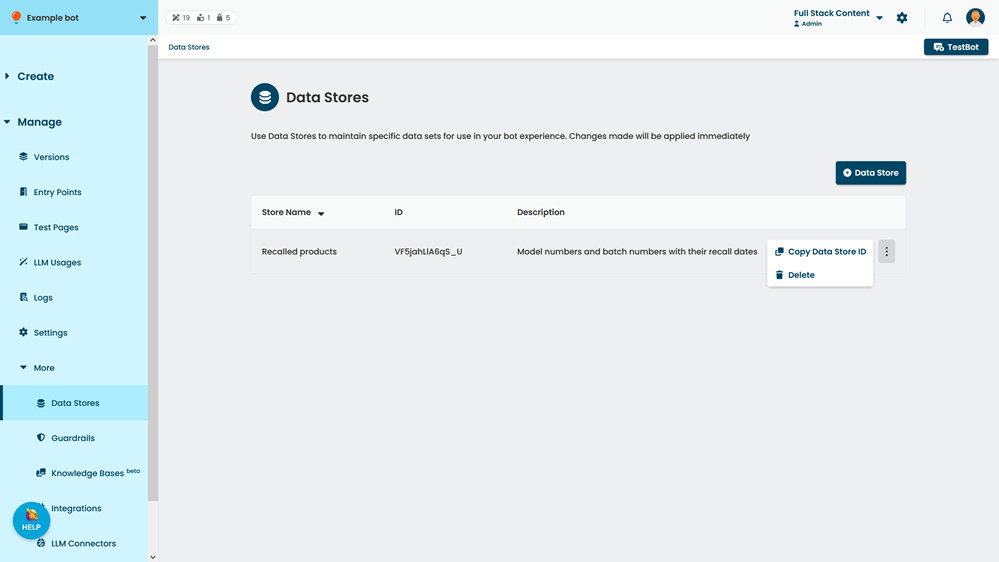
- Click Delete.
- In the confirmation, type Delete.
- Click Confirm.