Rename a knowledge base to change the name that appears in your list of knowledge bases.
Renaming a knowledge base doesn't change its ID. You can rename knowledge bases without impacting your chatbot.
To rename a knowledge base:
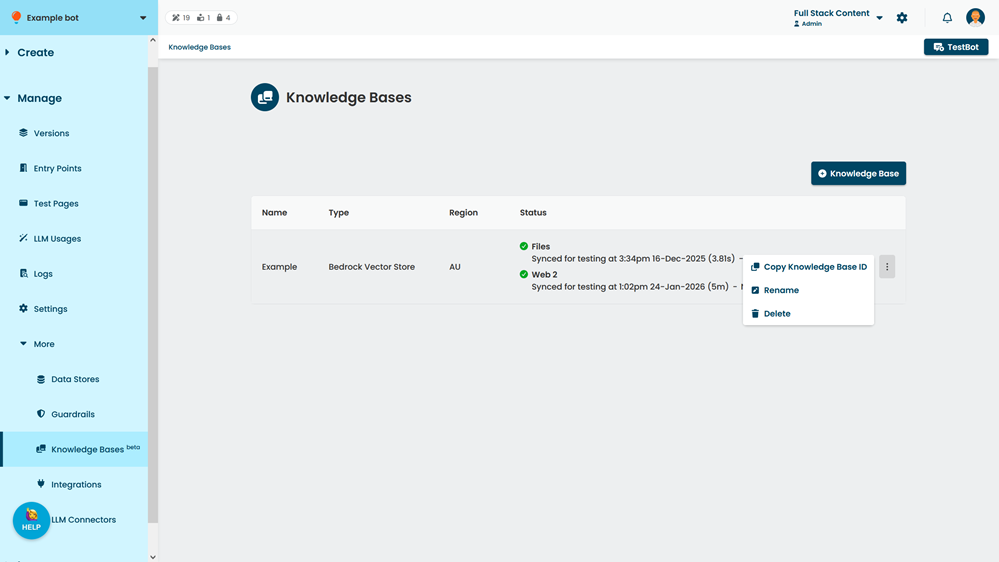
- Click Manage > More in the left navigation, then click Knowledge bases.
- Click the menu beside the knowledge base you want to rename, then click Rename.
- Type the new Name.
- Click Rename.