The functions in the bot.flow namespace are used to send the chatbot to a specific conversation or start a passage.
getPassageByTitle(title)
Returns the passage ID of the passage that matches the given title in the conversation. This method is asynchronous.
Current conversation only
The passage must be within the current conversation. To find the ID of a passage from another conversation, switch to that conversation first.
| Parameter | Type | Required | Description |
|---|---|---|---|
| title | String | Required | The title of the passage to search for. |
// Find the passage titled 'Start' in the Default conversation and start it.
await bot.flow.switchToDefaultConversation();
const startingPassageId = await bot.flow.getPassageIdByTitle('Start');

if (startingPassageId) {
bot.flow.startPassage(startingPassageId);
}

done();startEntryPoint(entryPointName, actions)
Starts the specified entrypoint. This method is asynchronous.
| Parameter | Type | Required | Description |
|---|---|---|---|
| entryPointName | String | Required | The name of the entry point to start. |
| actions | Array<Object> | Optional | An array of actions to be performed before starting the entry point passage, such as saving data or subscribing the user to broadcasts. |
 // To start an entry point:
 bot.flow.startEntryPoint('Entry Point Name');

 // Optionally, execute actions as well. Actions are executed before the entry
 // point is started.
 const actions = [
   {
     type: 'saveData',
     name: 'contextDataKeyName',
     value: 'Example Context Data Value'
   }
 ];
 bot.flow.startEntryPoint('Entry Point Name', actions);
done();startPassage(passageId)
Start the passage specified. This method is asynchronous.
| Parameter | Type | Required | Description |
|---|---|---|---|
| passageId | String | Required | The ID of the passage to start. |
//Start a different passage if the user input is absent
const userInput = params.text;
// params.text contains the value of user text input, if it is set

if (userInput) {
  await bot.user.saveContextData({ email: userInput }); // save the user input
  bot.flow.startPassage('123456'); // next passage in the flow
} else {
  bot.flow.startPassage('abcdef'); // re-enter email passage
}

done();
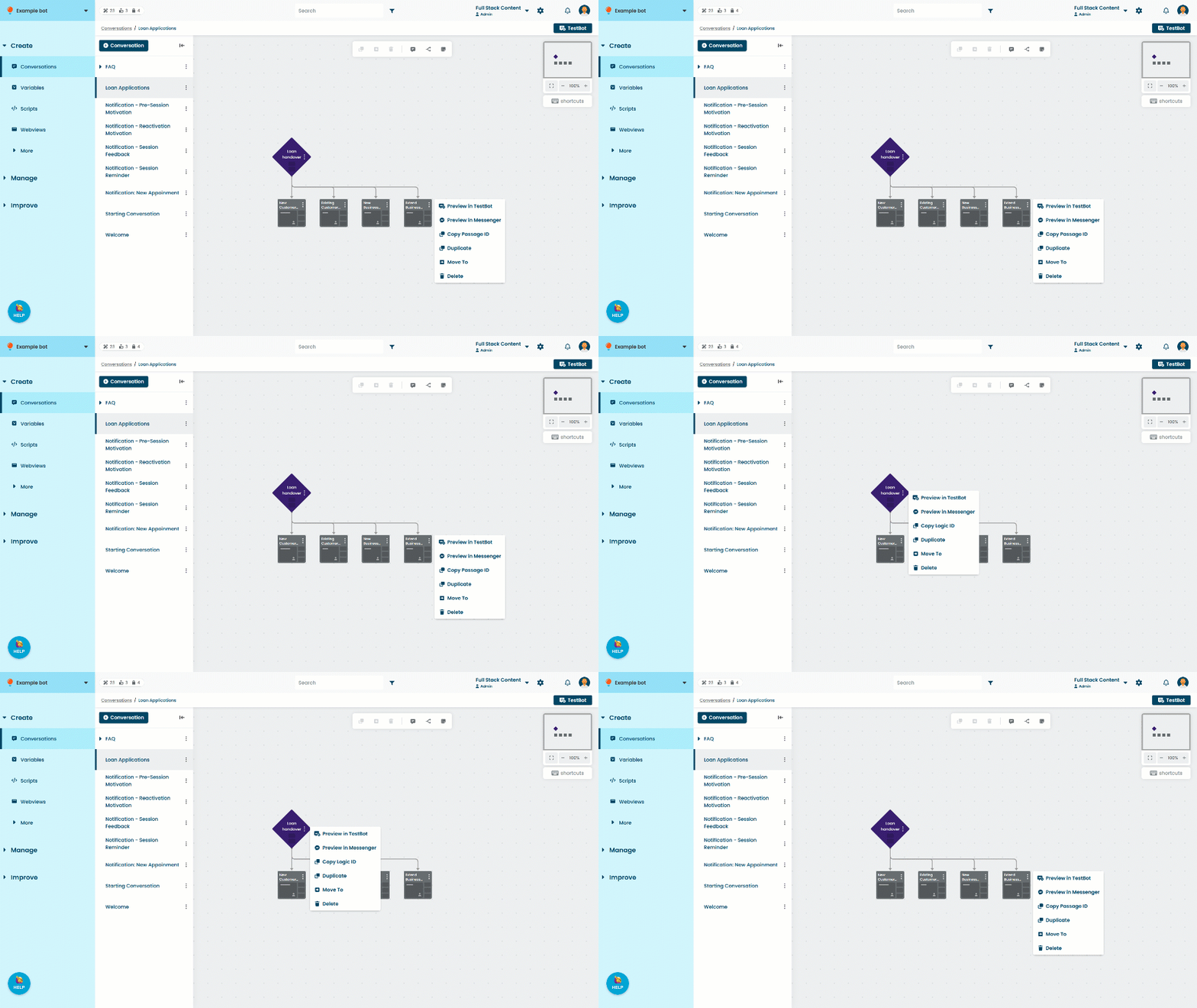
To find the passage ID:
- Click Create in the left navigation, then click Conversations.
- Click the conversation with the passage you want to use.
- Click the menu on the passage, then click Copy Passage ID.
startPassageByTitle(title)
Start the passage from the current conversation that matches the given title. This method is asynchronous.
Current conversation only
The passage must be within the current conversation. To start a passage from another conversation, switch to that conversation first.
| Parameter | Type | Required | Description |
|---|---|---|---|
| title | String | Required | The title of the passage to start. |
//Switch to the default conversation and start the passage titled 'Start'
await bot.flow.switchToDefaultConversation();
await bot.flow.startPassageByTitle('Start');

done();switchConversation(conversationId)
Set the chatbot’s current conversation to the specified conversation. This method is asynchronous.
| Parameter | Type | Required | Description |
|---|---|---|---|
| conversationId | String | Required | The ID of the conversation to start. |
//Switching to conversation with is 123456 and starting the passage with ID abcdef
await bot.flow.switchConversation('123456');
await bot.flow.startPassage('abcdef');
done();
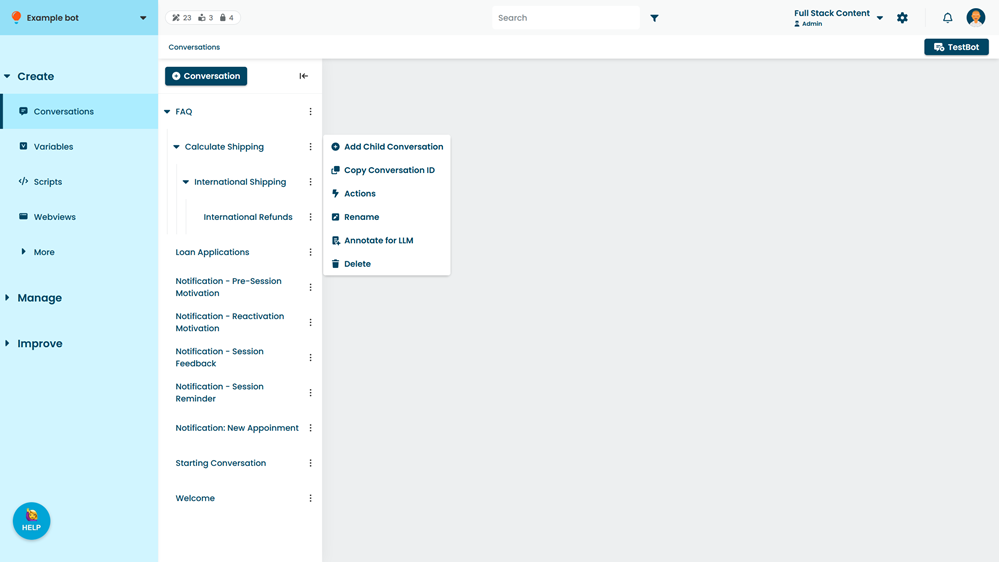
To find the conversation ID:
- Click Create in the left navigation, then click Conversations.
- Click the menu on the conversation you want to use, then click Copy Conversation ID.