You can customise the code for the chatbot widget in your test page if you want to test some specific functionality of your chatbot widget, such as setting the language.
Test pages are designed to keep things simple so you can focus on testing and styling your chatbot widget. You can't add custom HTML content to test pages, so keep your code focussed on just your chatbot widget.
Test page widgets are defined in parent test pages only. Child pages use the bot widget code from the parent page.
To customise the bot widget on your test page:
- Click Manage in the left navigation, then click Test pages.
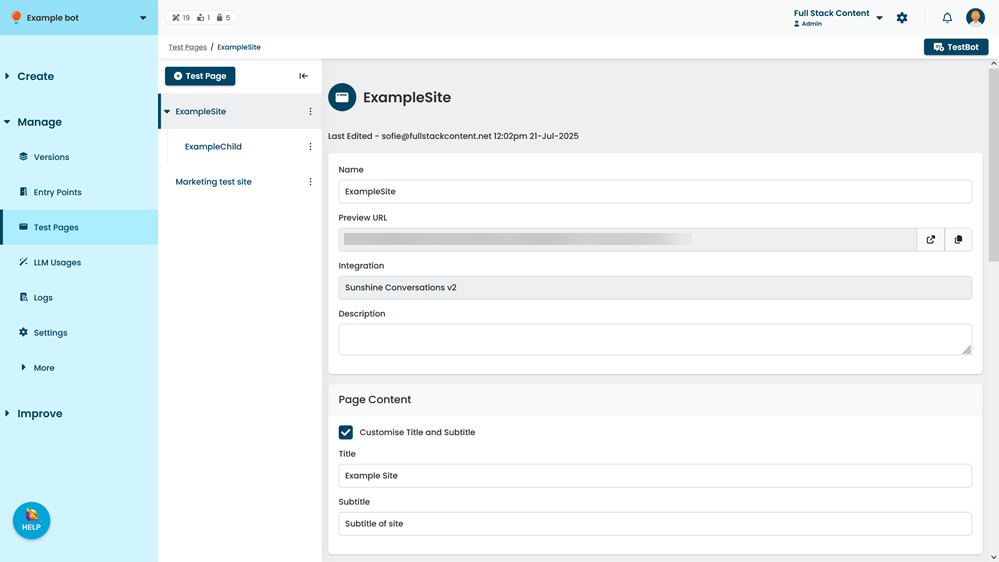
- Click the test page you want to customise.
- Scroll down to Widget Code.
- Select Customise Widget Body Code.
- Either:
- Edit the default code
- Paste your own code between the <script> tags.
- Click Save.