You can edit the variable name which appears in the placeholder chip. This change will automatically appear throughout your chatbot and does not need to be published.
You can also edit a variable to create or delete a default value.
Edit a variable name
- Click Create in the left navigation, then click Variables.
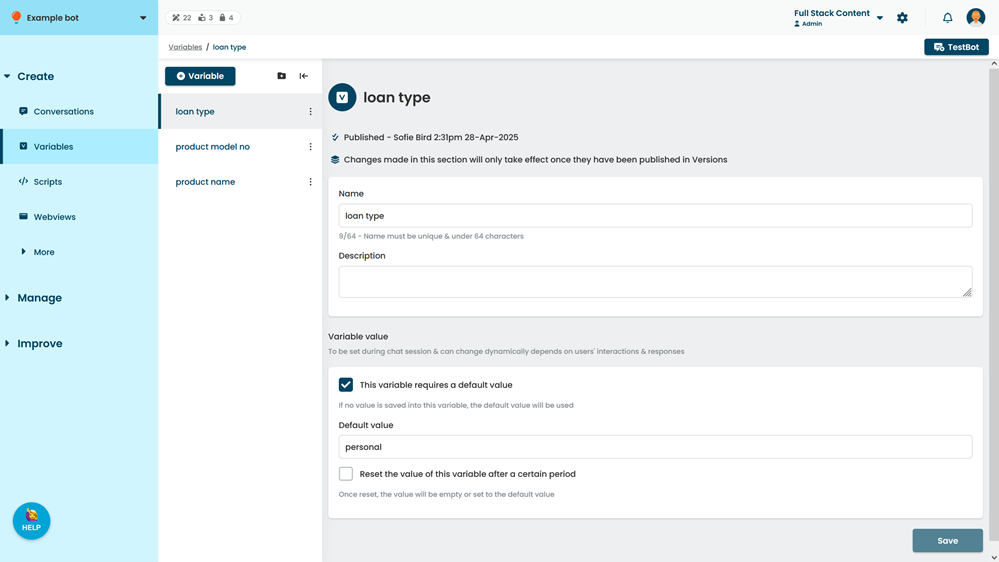
- Click the name of the variable you want to change.
- Type the new Name of the variable.
- Click Save.