Delete a broadcast topic to delete the topic, all its associated broadcasts, and any conversation content you created for those broadcasts.
Are you sure?
Changes to broadcasts and topics don't appear in your chatbot versions. If you delete a broadcast topic, the topic and its broadcasts are deleted immediately and cannot be recovered.
Before you delete a broadcast topic, make sure you have removed any broadcast opt-in messages that relate to this topic from your chatbot content and published those changes.
To delete a broadcast topic:
- Click Create > More, then click Broadcasts.
- Click the menu next to the topic you want to delete.
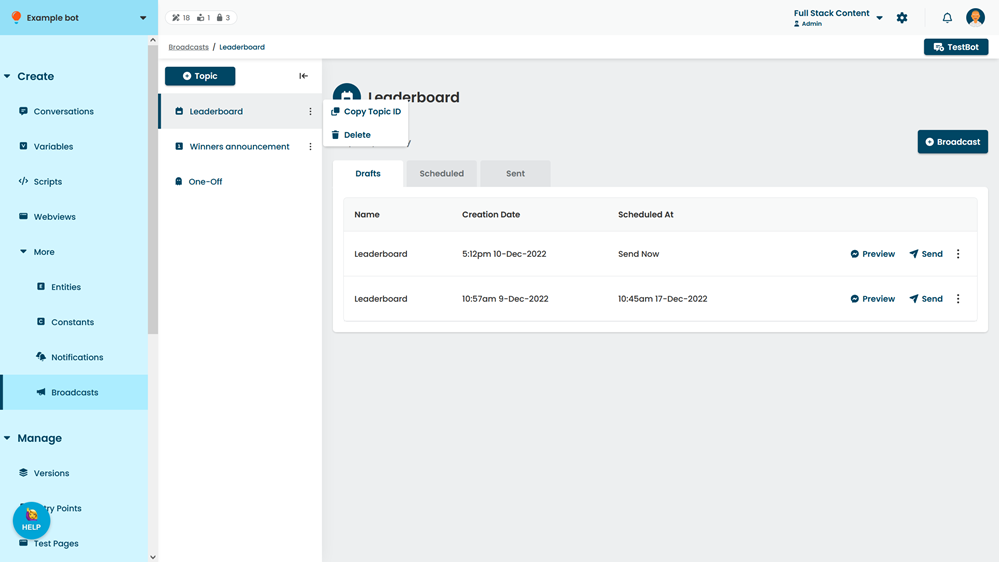
- Click Delete.
- Type the word delete in the confirmation.
- Click Confirm.