The Passage Locator object is commonly used as a parameter when sending messages from the chatbot. It contains properties that indicate where the chatbot should go next.
| Property | Type | Description |
|---|---|---|
| conversationId | String |
The ID of the conversation to go to next. This property is only required if resumeConversation is set to true, to specify which conversation to resume. In all other cases, passageID is sufficient to identify the next passage. |
| passageId | String |
The ID of the passage to go to next. This property is ignored if resumeConversation or resumeLastConversation is set to true. |
| resumeConversation | boolean |
Set to true to ignore the passageId property and resume the last passage within the conversationId. The conversationId property is required if this property is set to true. The conversation must be a resumable conversation. |
| resumeLastConversation | boolean | Set to true to ignore the passageId property and resume the last passage in the conversation the chatbot was in. |
| overrideChannel | String |
The name of the channel to go to in the next passage when overriding the normal channel flow. If the next passage does not have content defined for this channel, the flow reverts to the default channel. |
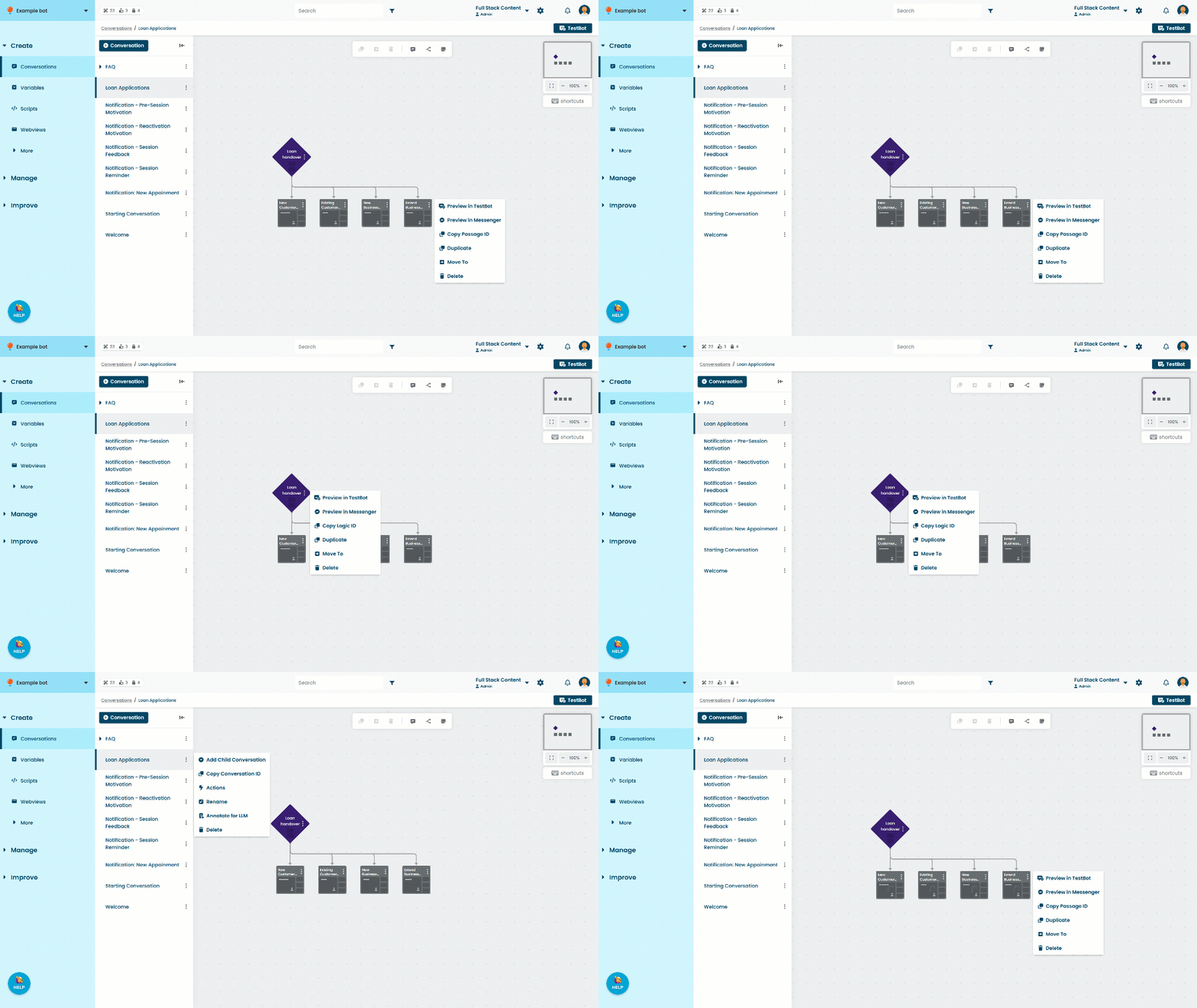
To find the conversation ID and passage ID:
- Click Create in the left navigation, then click Conversations.
- Click the menu next to the conversation you want to use, then click Copy Conversation ID.
- Click the conversation with the passage you want to use.
- Click the menu on the passage, then click Copy Passage ID.