When you configure a webview in your chatbot, you specify which passage the chatbot should start when the webview closes.
In the webview code, you can tell the chatbot to start a different passage instead by overwriting the next_passage variable.
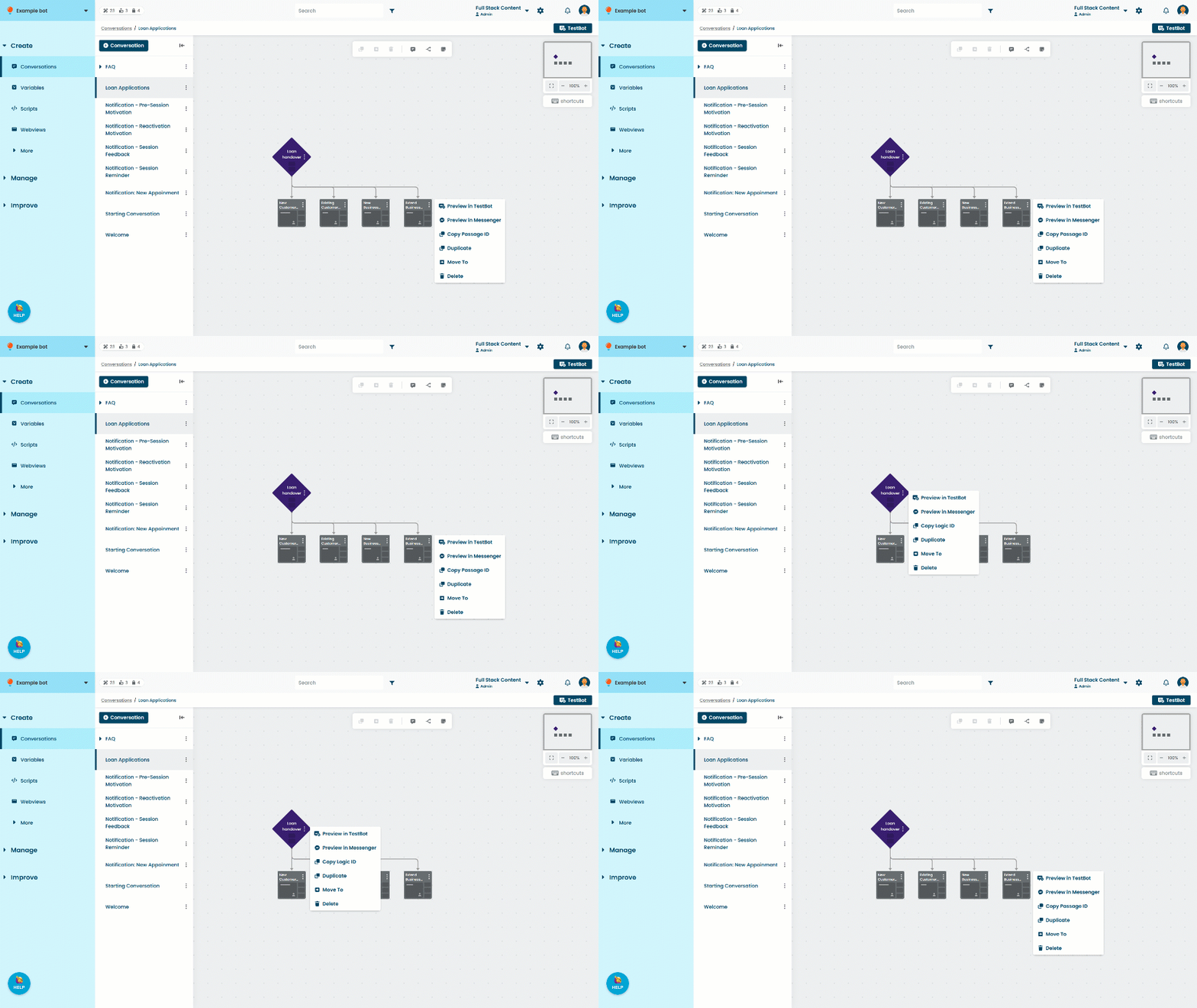
nextPassage.passageId = 'abcdef';To find the passage ID:
- Click Create in the left navigation, then click Conversations.
- Click the conversation with the passage you want to use.
- Click the menu on the passage, then click Copy Passage ID.